Bookings
Take bookings and requests, set hours and handle cancellations.
Guides
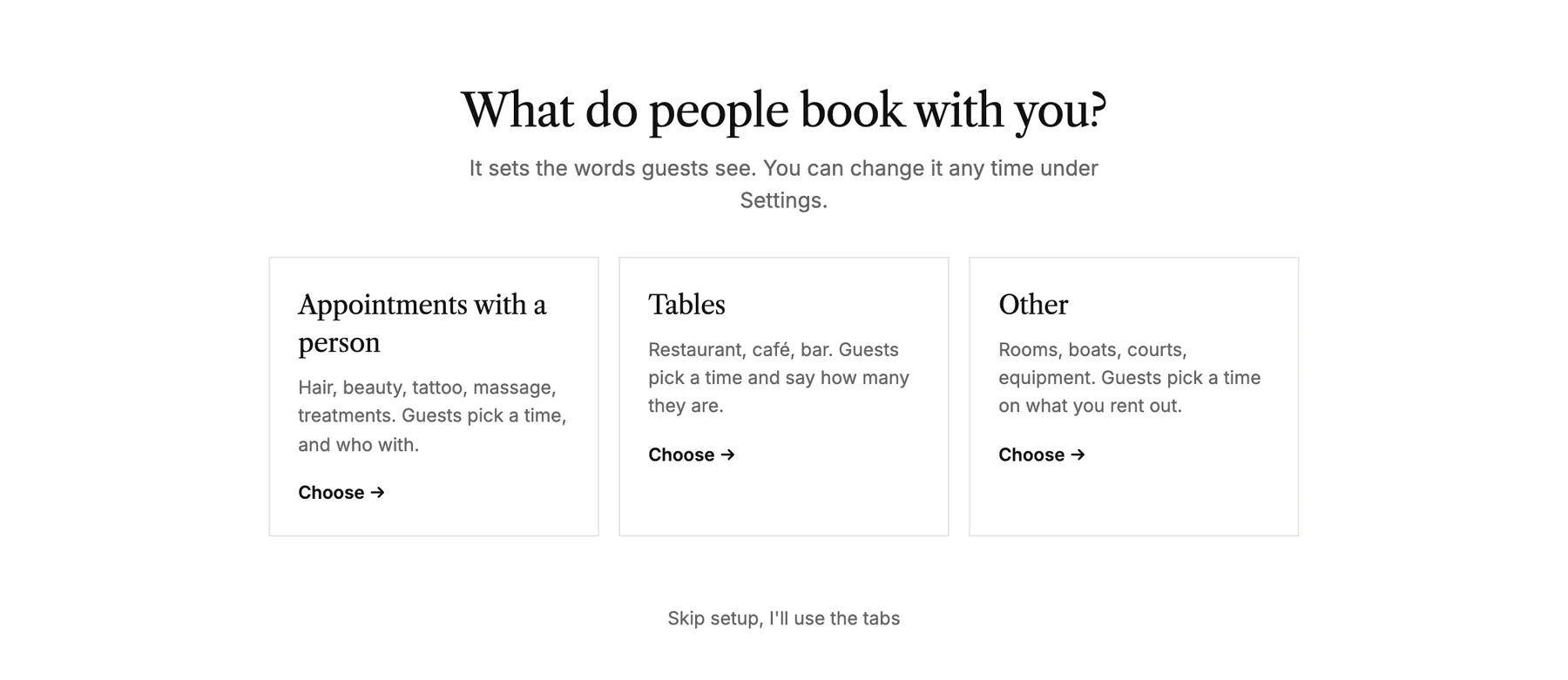 Set up online booking
Let visitors book a time with you, a table or something you rent out, straight on your site.
Set up online booking
Let visitors book a time with you, a table or something you rent out, straight on your site.
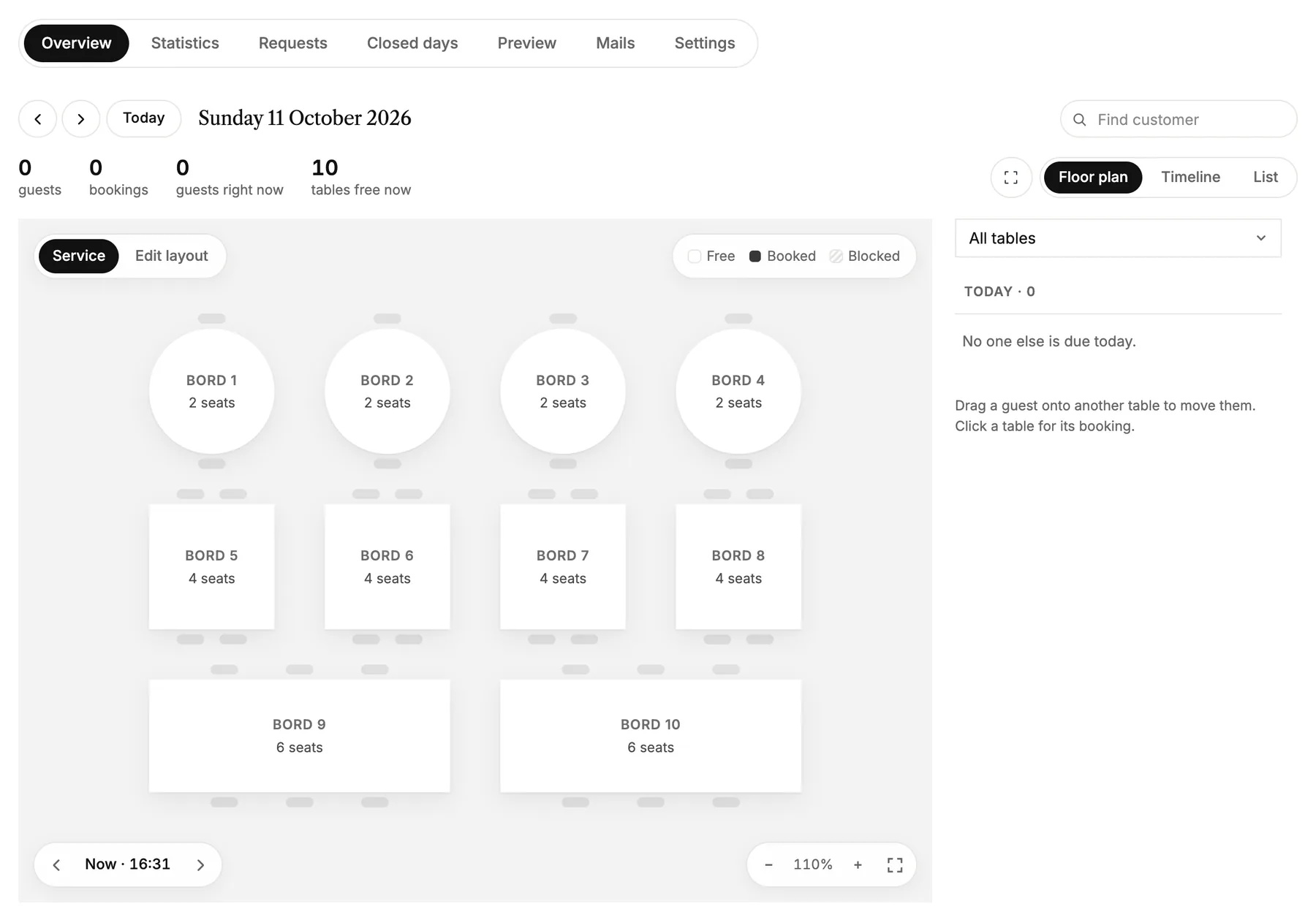 Take table bookings for your restaurant
Let guests book a table on your site, set up your tables and opening hours, and keep track of the evening on a floor plan.
Take table bookings for your restaurant
Let guests book a table on your site, set up your tables and opening hours, and keep track of the evening on a floor plan.
Quick answers
What's the difference between time booking and requests?
Two ways your site can take work, chosen under Bookings, Settings. Time booking: visitors pick a service and a free time, and it's booked straight away. Requests: they describe what they want and attach photos, and nothing is booked until you've agreed the details. Switching keeps your services, hidden while you take requests.
How do I answer a request?
From your own email. Open the request under Bookings, Requests and hit Reply by email: your mail opens with their request quoted underneath, and your reply goes straight to them. Studio keeps the request and the photos either way.
How do I turn a request into an appointment?
Once you've agreed a time by mail, open the request and hit Add to calendar. Pick the slot and how long it takes; the customer's details are filled in for you, and they get the confirmation mail when you save. The request then shows as Booked.
Can customers pick a time themselves in request mode?
No, and that's the point. The form has no calendar; you propose the time when you reply, so nothing lands in your book that you didn't agree to.
What is a schedule?
One bookable calendar with its own weekly hours: a person, a chair, a room. Customers pick a time on it, and each schedule ticks the services it offers.
How do opening hours work?
Customers can only book inside a schedule's weekly hours. You are never limited by them: tap or drag onto hatched time to book, move or block outside opening hours.
What do services and durations do?
Services are what customers book. The duration decides how much room a booking takes in the calendar and which openings customers are offered. The price label is free text, so "From 500 kr" works.
How do I move a booking?
Drag its card to a new time, or open it and press Move to pick a slot on the grid. You can drop it on another schedule, on another day, outside opening hours, even on top of another booking. Overlaps show side by side.
How do I handle holidays and sick days?
Add time off under the Time off tab, or tap a slot in the grid and pick Time off. Blocked time is never offered to customers. If bookings already sit inside it, you get a list with phone numbers so you can call and move them.
What does marking a no-show do?
The booking stays visible, struck through, and the slot opens up again. You can undo it from the same panel if the customer turns up after all.
How do cancellations work for customers?
The confirmation mail carries a cancellation link. The cancellation window under Settings decides how close to the booked time it works, from any time to not at all.
When can customers start booking?
When you flip the switch to Live under the Settings tab. Until then you can set everything up and use the calendar yourself without anything showing on your site.