Team & account
Invite people, roles, password and sign-in.
Guides
 Invite your team
Invite people to work on your sites, choose what they can do, and manage your own account.
Invite your team
Invite people to work on your sites, choose what they can do, and manage your own account.
Quick answers
Team
How do I invite someone?
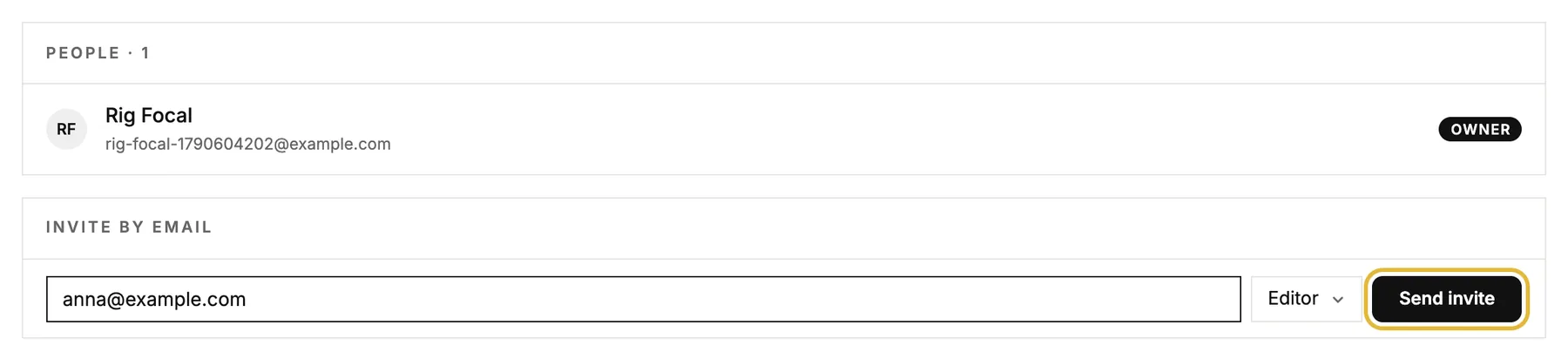
Use the "Invite by email" form. Enter the email, pick a role and hit Send invite. You can also copy a share link for a role; anyone with the link joins with that role.
What's the difference between editor and owner?
Editors can build and edit everything and invite other editors. Owners additionally manage members and workspace settings, and only owners can hand out the owner role.
An invite hasn't been accepted. What can I do?
Pending invites show in the list of people on the Members page. An invite works for 14 days. If it ran out, send a new one to the same address.
Does adding teammates cost extra?
No. Inviting editors and owners is free. Billing is per published site, not per person.
Your account
How do I change my password or email?
Both are on this page. Passwords change via an emailed reset link; an email change applies right away and sends a link to confirm the new address.
Can I sign in with Google?
Yes. Connected Accounts on this page shows whether your Google account is linked. Both sign-in methods reach the same user.
How do I invite a teammate?
Open Members in the menu on the left, type their email address, choose a role and click Send invite.