Getting started
Drafts, publishing, undo and your first site.
Guides
 Create your first site
Name your business, choose a look and let the setup build a first draft you can edit. It takes about five minutes.
Create your first site
Name your business, choose a look and let the setup build a first draft you can edit. It takes about five minutes.
 Publish your site
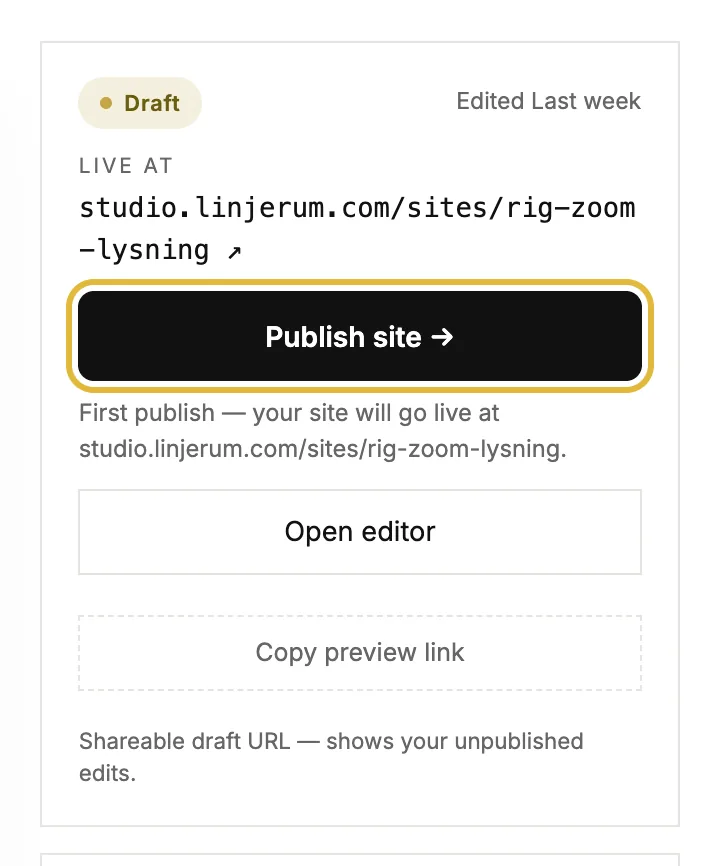
Put your site live, publish new changes, share a preview first, and take the site offline again.
Publish your site
Put your site live, publish new changes, share a preview first, and take the site offline again.
Quick answers
Basics
What's the difference between a draft and a published change?
Everything you edit is a draft only you can see. Hitting Publish puts the latest version live. You can keep editing after publishing. New changes stay private until you publish again.
Can I undo a change?
Yes. In the editor, ⌘Z (Ctrl+Z on Windows) steps back through your recent edits. For anything older, open History in the editor and restore an earlier version. Deleted sites stay in the trash for 30 days.
I can't find an answer. How do I reach a person?
Use the email link at the bottom of this panel. A real person reads every message and replies within a working day.
Your sites
How do I create a new site?
Click Start fresh on your dashboard, or Start setup if you don't have a site yet. A short guided setup asks about your business and builds a first draft you can edit.
Why isn't my site live yet?
Building is private. Your site only goes public when you open it and hit Publish. Until then the address shows nothing to visitors.
What does it cost?
Building and previewing are free. Live sites run on a per-site plan, and the Billing page shows every tier's pricing before you confirm anything.
What does the view count on each site card mean?
Page views on the published site over the last 24 hours, from our own cookieless tracking. The Analytics page has the full history.