Design & settings
Colours, fonts, contact details and your site's address.
Guides
 Change colours and fonts
Give your site its look: a ready-made palette or your own colours, your fonts, and how round the corners are.
Change colours and fonts
Give your site its look: a ready-made palette or your own colours, your fonts, and how round the corners are.
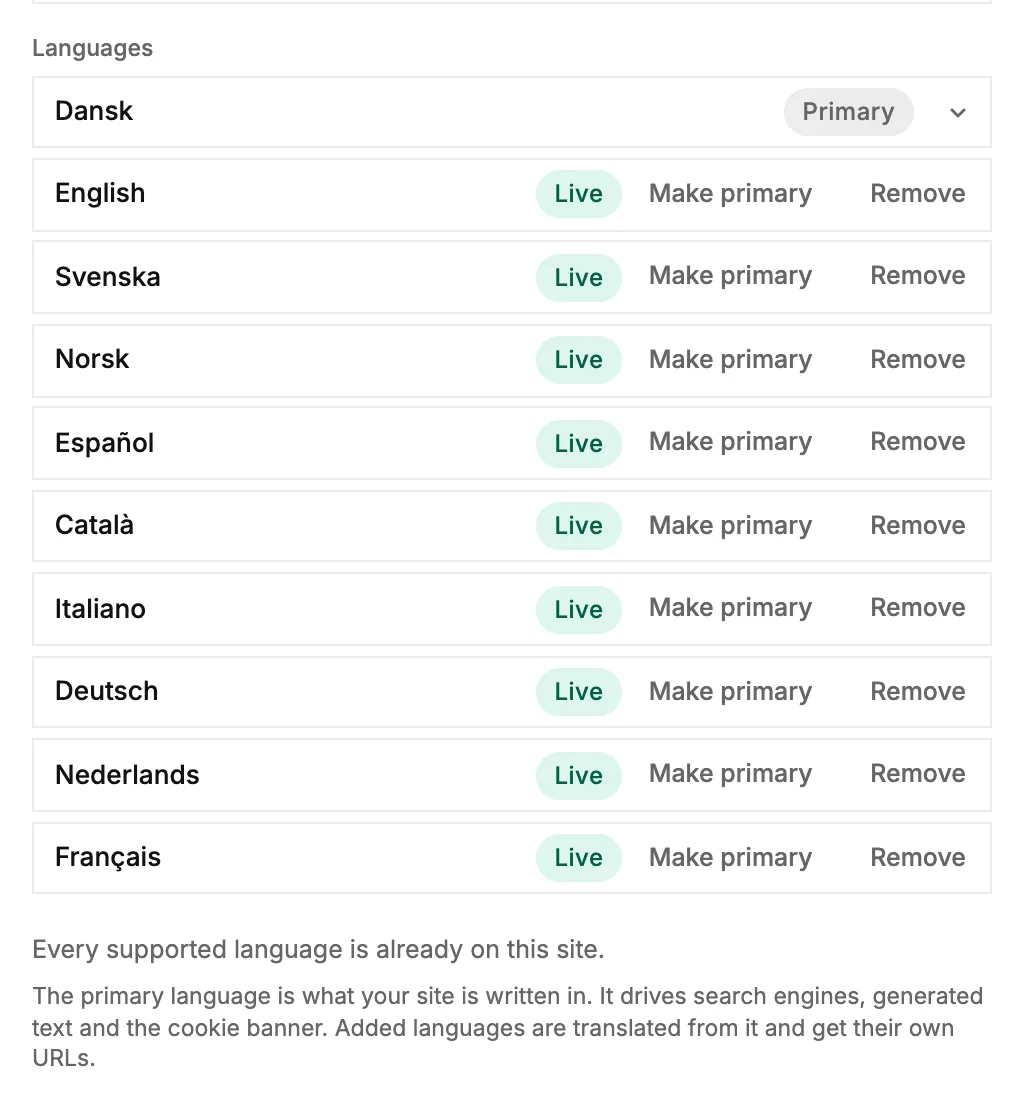 Translate your site into more languages
Add languages to your site, check and fix the translations, and see what visitors get.
Translate your site into more languages
Add languages to your site, check and fix the translations, and see what visitors get.
Quick answers
How do I change colors and fonts?
Colors live in the Palette section, corner style in Shape, and fonts in Type. Changes restyle every block and page instantly.
Where do my business contact details live?
On the workspace. One place feeds every contact block, footer and template across your sites. Edit them here and publish.
Can I rename my site's address?
Yes. Use the rename-address action on the site overview page. The old address redirects to the new one so shared links keep working.