Forms & inbox
Contact forms, replies and newsletter sign-ups.
Guides
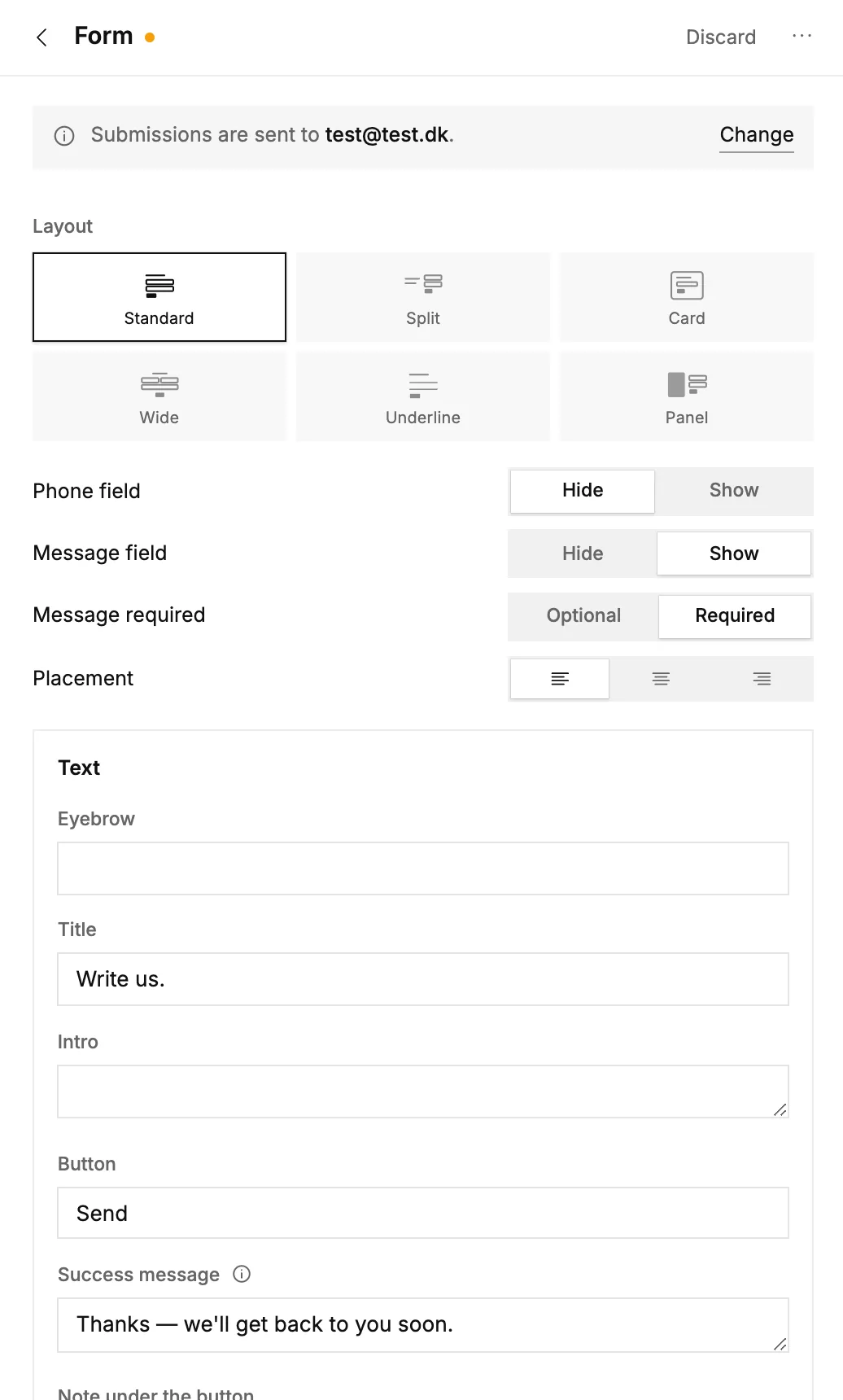 Contact forms and your inbox
Add a contact form to a page, read and answer messages in your inbox, and choose where they're emailed.
Contact forms and your inbox
Add a contact form to a page, read and answer messages in your inbox, and choose where they're emailed.
Quick answers
Where do these messages come from?
From the Form block and footer newsletter signup on your published sites. Visitor messages land here and are emailed to your notification address; newsletter signups collect in the Subscribers tab.
How do I reply to a message?
Open the message and click Reply by email, or reply to the mail you got about it. Both go straight to the visitor, from your own mail program.
How do I add a contact form to my site?
Add the Form block to any page in the editor. Submissions then land here and in your email.
How do I change which address gets the messages?
The address is shown at the top of the inbox. Click "change" next to it (it lives in your workspace settings). Every new message is emailed there.
Can notifications come from my own email address?
Yes. Verify your domain under "send from your own domain" at the top of the inbox. After a guided DNS setup, notifications are sent from your address instead of the platform's. Until then we use a safe platform sender.