Contact forms and your inbox
Add a contact form to a page, read and answer messages in your inbox, and choose where they're emailed.
A contact form lets visitors write to you from your site. Every message lands in your inbox in the studio, and in your email.
Add a contact form
-
In the editor, add the Form block where you want it. From an empty inbox, Add a Form block takes you there.
-
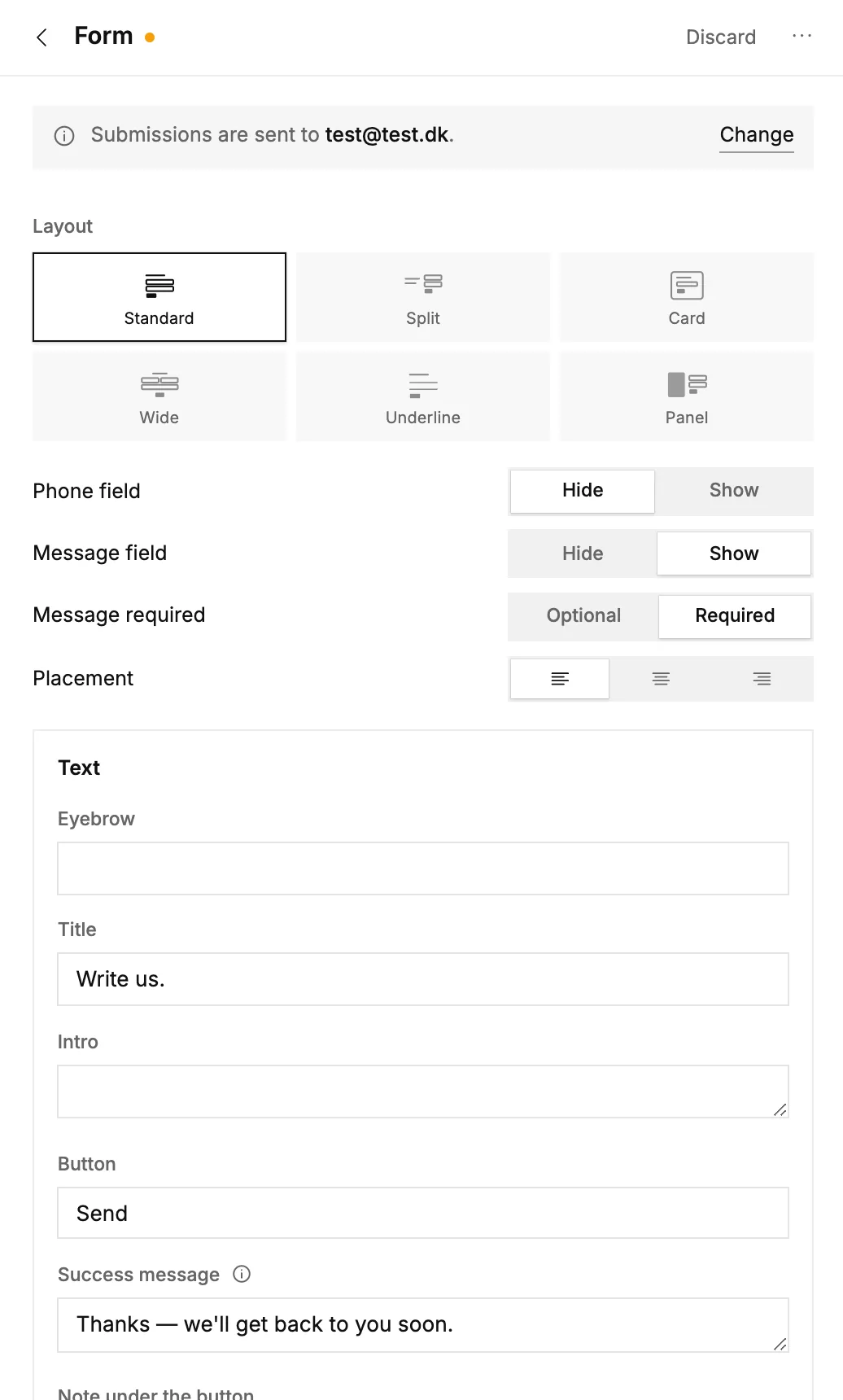
Open the block to set it up: the layout, whether to ask for a phone number, the title, the button text and the message people see once they've sent it.
-
Need more than name, email and message? Add your own questions as fields: text, date, time, number, email or a choice. Each one can be optional or required.
-
Publish your site, so the form goes live.
Read and answer messages
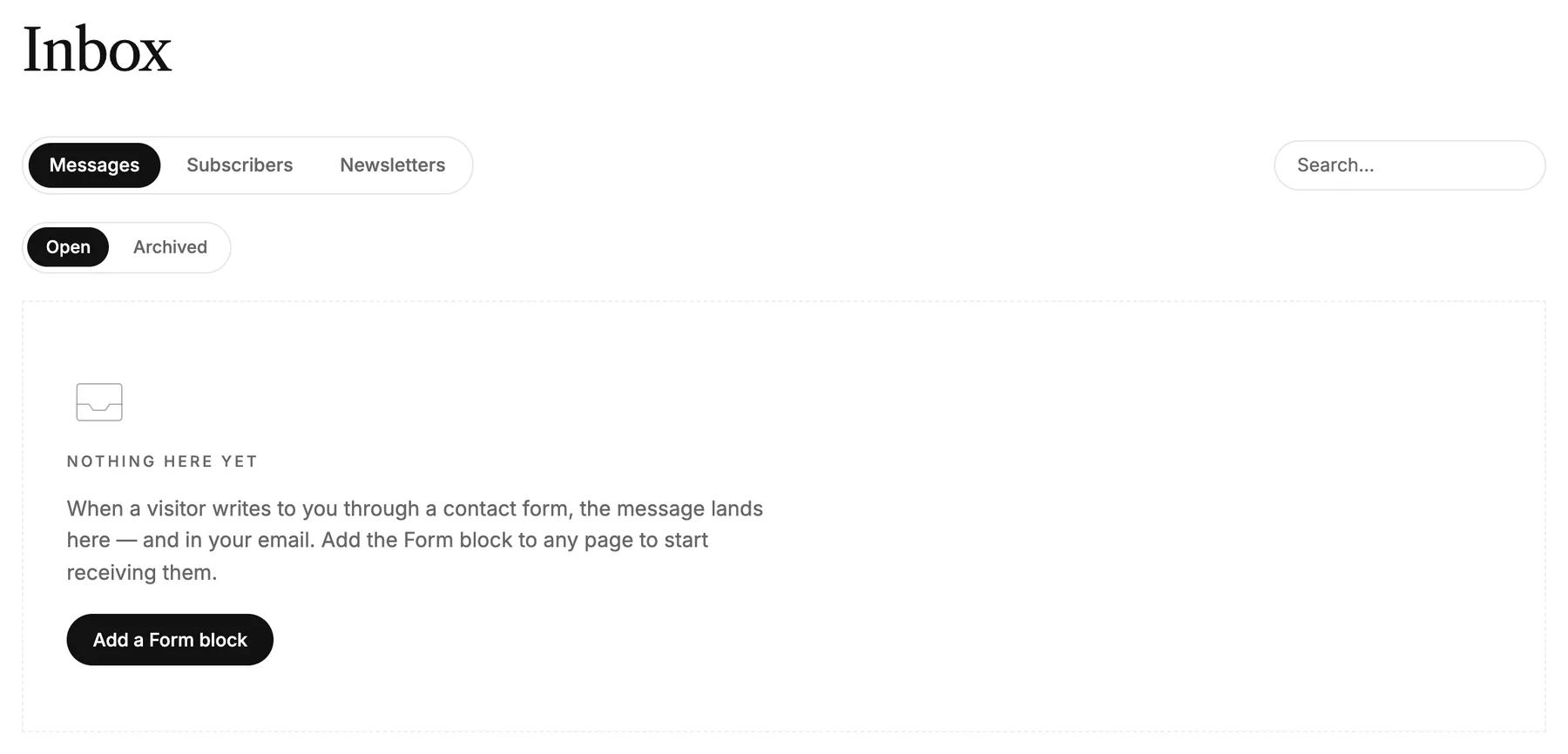
Open Inbox in the menu on the left. New messages are under Messages, and you can search them or show the Archived ones.
- Opening a message marks it as read. Mark as unread undoes that.
- Reply by email opens your own mail program, with your answer addressed to the visitor. You can also reply straight to the mail you got about the message.
- Archive moves a message out of the way. Deleting it can't be undone.
Choose where messages are emailed
Open your workspace's Settings and find Email. Form messages go to is the address that gets a mail for every message. Leave it empty, and messages only land in your inbox.
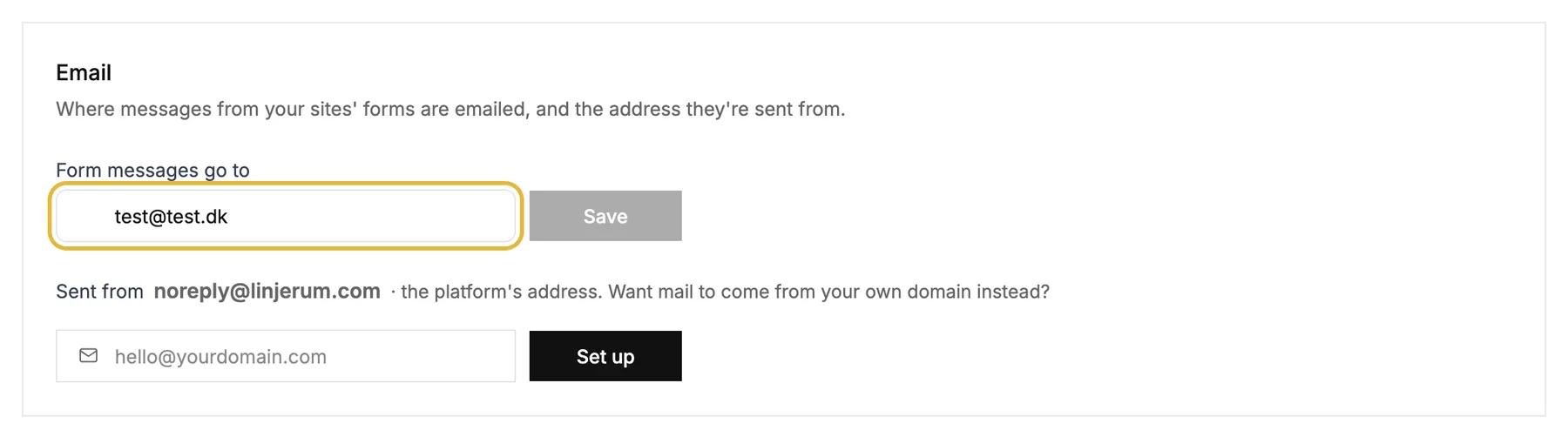
The mails are sent from our address. To send them from your own domain instead, set it up in the same place.
Good to know
- Forms have a built-in spam filter that stops most robots, without making visitors solve a puzzle.
- One form per page works best.
- Newsletter signups land under Subscribers, and you can download them with Export CSV.