Working with AI
Connect Claude or ChatGPT and build your site with AI.
Guides
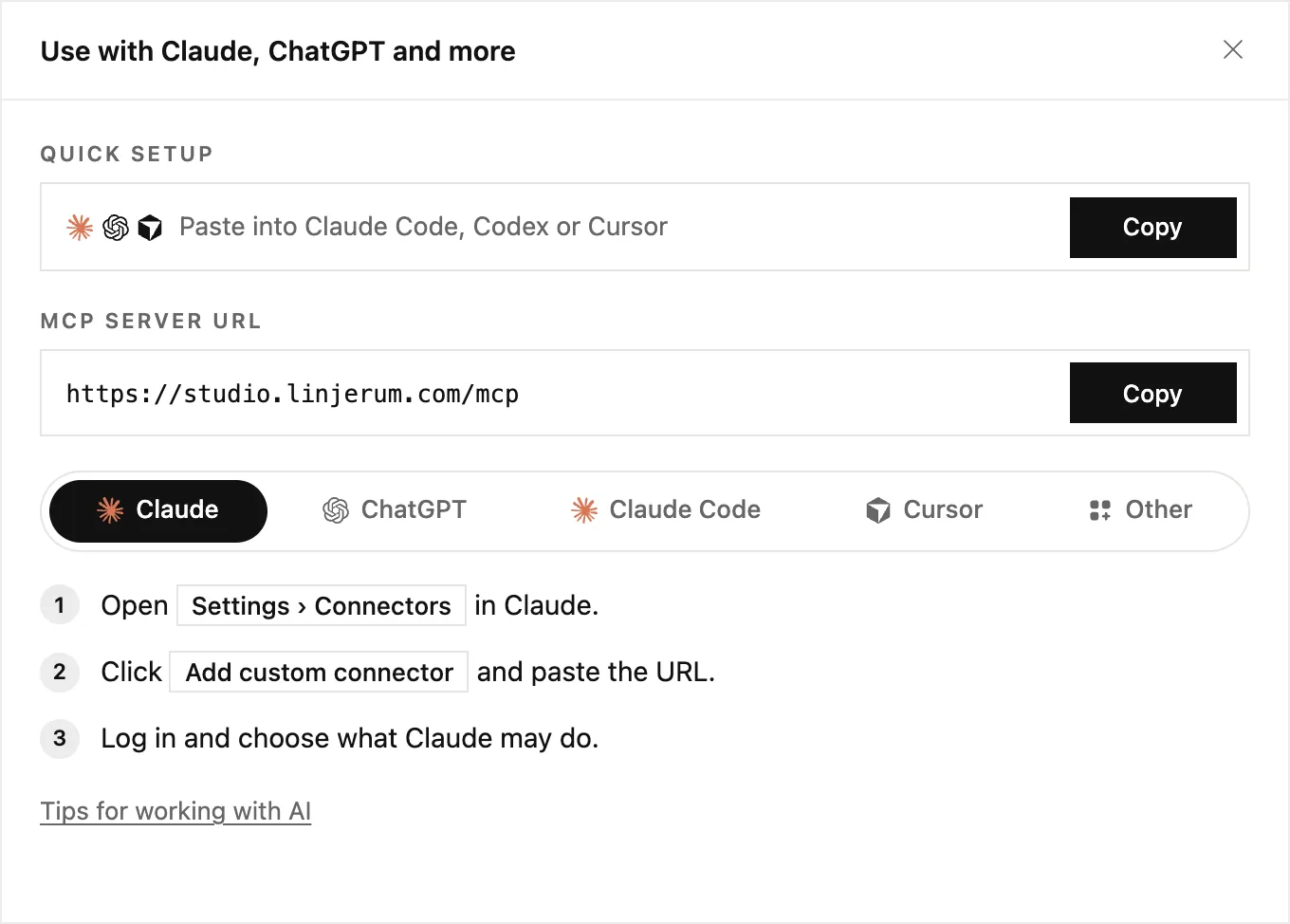 Connect Claude, ChatGPT or another AI app
Let Claude, ChatGPT, Cursor or another AI app work on your site. Copy one address, log in, and choose what it may do.
Connect Claude, ChatGPT or another AI app
Let Claude, ChatGPT, Cursor or another AI app work on your site. Copy one address, log in, and choose what it may do.
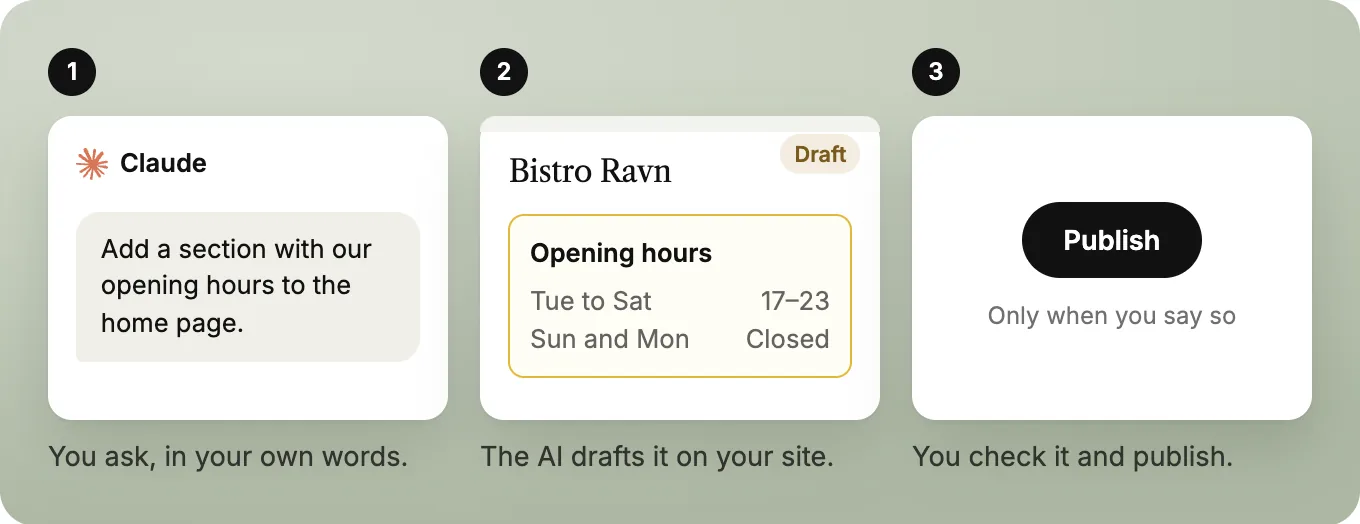 Build your site with AI: tips and tricks
What your AI can do in LINJERUM Studio, prompts that work, and how to get results that look designed, not generated.
Build your site with AI: tips and tricks
What your AI can do in LINJERUM Studio, prompts that work, and how to get results that look designed, not generated.
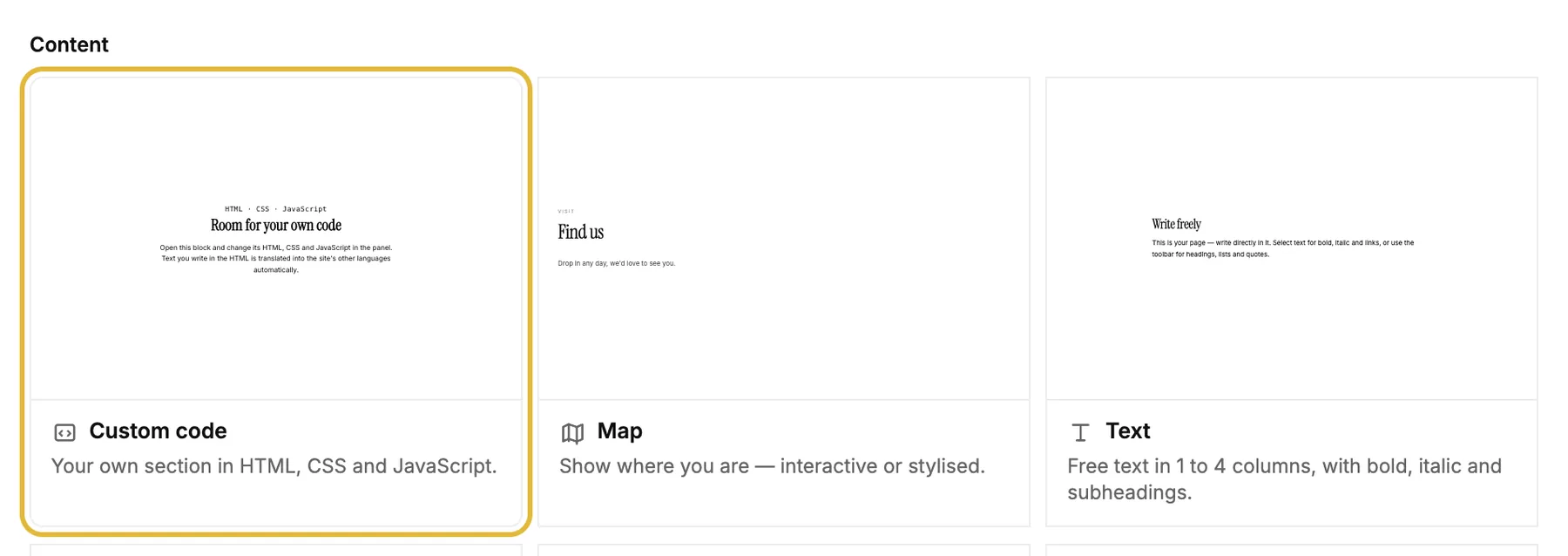 The Custom code block
A section built from scratch in HTML, CSS and JavaScript, by you or your AI, for things no other block covers.
The Custom code block
A section built from scratch in HTML, CSS and JavaScript, by you or your AI, for things no other block covers.
Quick answers
How do I connect Claude or ChatGPT?
In the editor, click Use with Claude, ChatGPT and more in the top bar. Add the URL as a connector in your AI app, log in and choose what it may do. Publishing and deleting are separate permissions you can change under Account settings.
How do I get good results?
Brief it like you would a designer: name the site and page, say what you want to achieve and give it the real facts, like opening hours and prices. Bigger changes go best one page at a time.
What is the Custom code block?
A section built from scratch in HTML, CSS and JavaScript, for things no other block covers. It uses your site's colours and fonts, and its text is translated with the rest of the page. Design and images are shared by every language, so change those in the main language.