The Custom code block
A section built from scratch in HTML, CSS and JavaScript, by you or your AI, for things no other block covers.
Sometimes no ready-made block fits: a price calculator, a timeline, a small animation. The Custom code block holds your own HTML, CSS and JavaScript and shows it as a section on your page. It's a great match for AI: describe what you want and let your AI build it.
Add one yourself
-
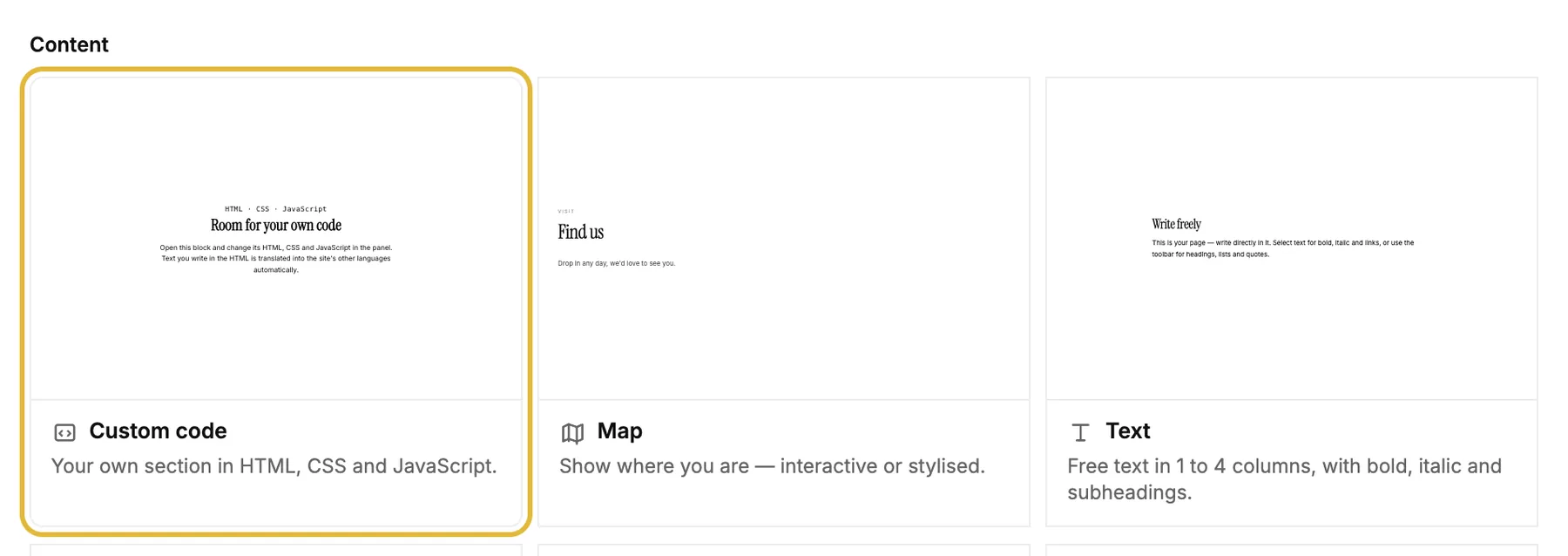
In the editor, click Add a block and pick Custom code under Content.
-
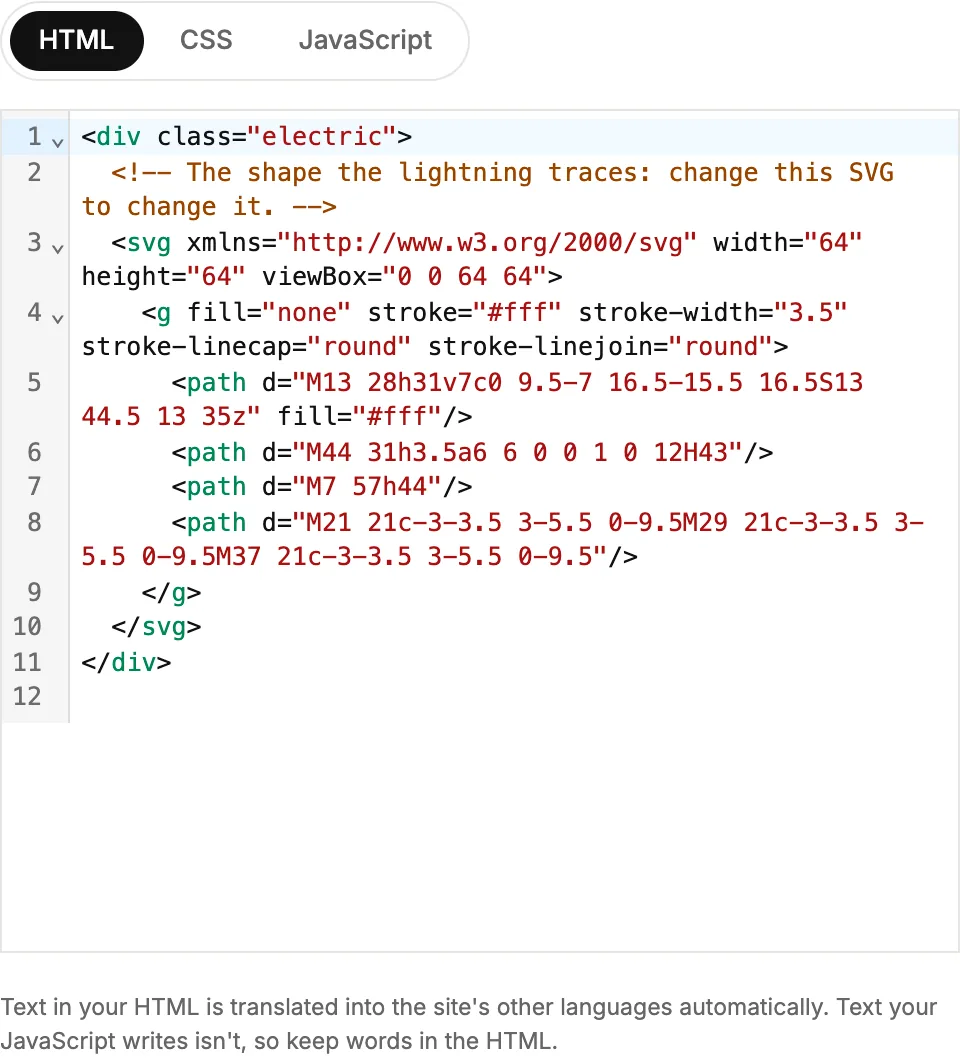
Open the block and write your code in the HTML, CSS and JavaScript tabs. The preview updates as you type.
Let your AI build it
With an AI app connected, just describe the section. It writes the code, places the block and checks it with a screenshot. Some ideas:
-
Add a custom section to the home page with a price calculator: guests pick a menu and the number of people, and see the total.
-
Build a timeline of our history on the About page, in our colours and fonts.
-
Add an animated banner at the top of the menu page that says New spring menu, and make sure it looks good on phones.
Good to know
- It uses your site's colours and fonts, so it looks like the rest of your site.
- Text in the HTML is translated with the rest of the page. Text that JavaScript writes isn't, so keep words in the HTML.
- Design, code and images are shared by every language. Change them in your main language.
- It runs in its own safe frame, so it can't break the rest of your page.
- Search engines don't read the text inside the frame, so keep important information in regular blocks.
- Each block holds up to 100 KB of HTML, 50 KB of CSS and 100 KB of JavaScript.