SEO
Get found on Google: titles, sharing images and your score.
Guides
 Get found on Google
Check your site with an SEO audit, write good titles and descriptions, and get your site into Google.
Get found on Google
Check your site with an SEO audit, write good titles and descriptions, and get your site into Google.
Quick answers
What does the score mean?
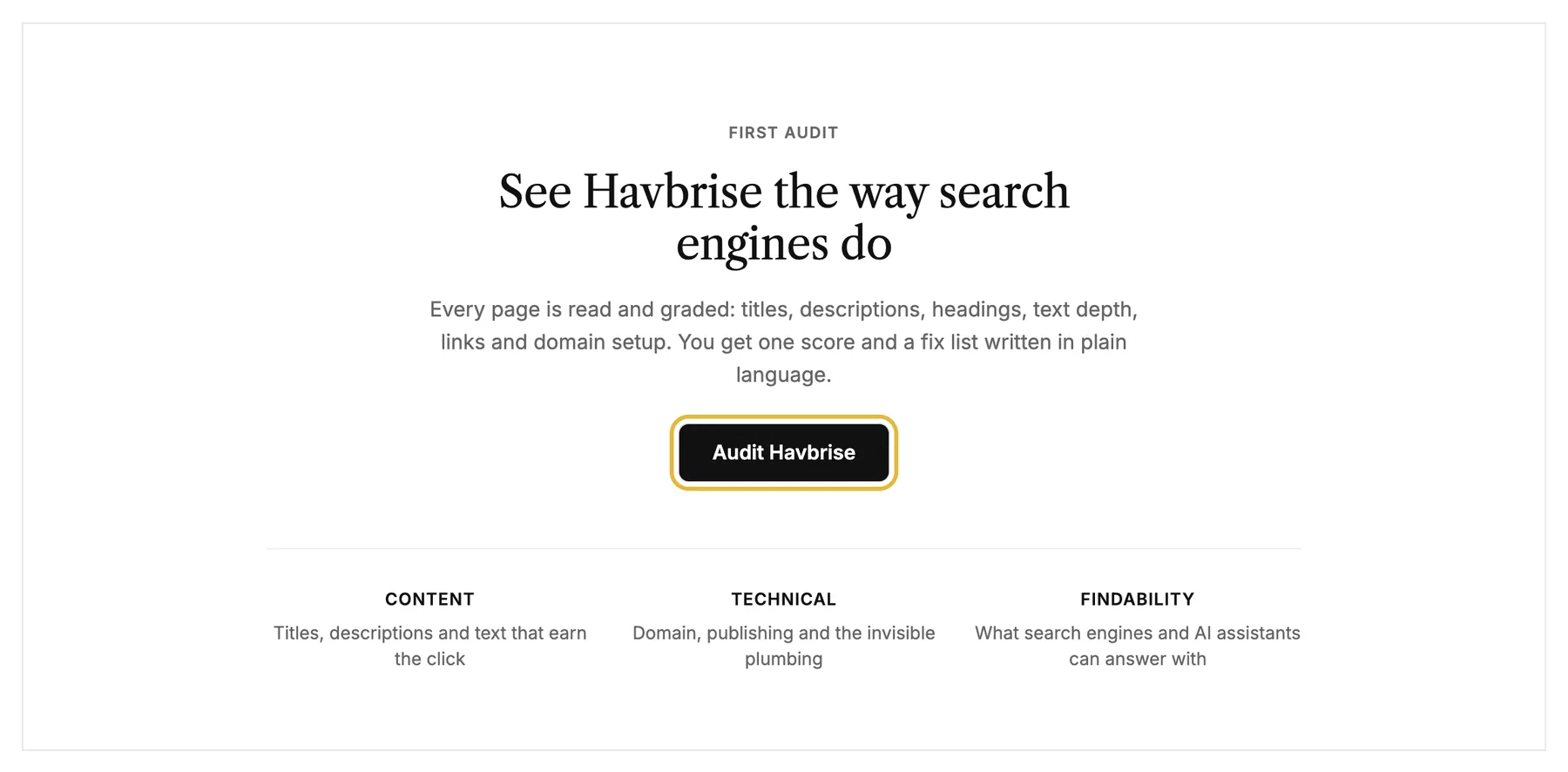
An AI audit reads every page (titles, descriptions, headings, text, links, domain setup) and grades the site from 0 to 100 with a fix list. It's a guide, not a Google ranking.
How do I change what Google shows for a page?
Open the page in the editor and click Page SEO. The page title and description there are what search engines usually show, and Generate can write them for you. Your site changes when you publish, but Google can take days or weeks to catch up.
How do I act on a finding?
Each finding has a Fix button that jumps to the exact spot in the studio. "Write it for me" drafts missing titles or descriptions for your approval.
When should I re-run an audit?
After fixing a batch of findings or publishing bigger content changes. The new run diffs against the last one, so you see what improved.