Create your first site
Name your business, choose a look and let the setup build a first draft you can edit. It takes about five minutes.
A short guided setup builds your new site. You answer a few questions about your business, pick a look, and get a first draft with pages, text and images that you then make your own in the editor. Nothing is public until you publish.
Start the setup
-
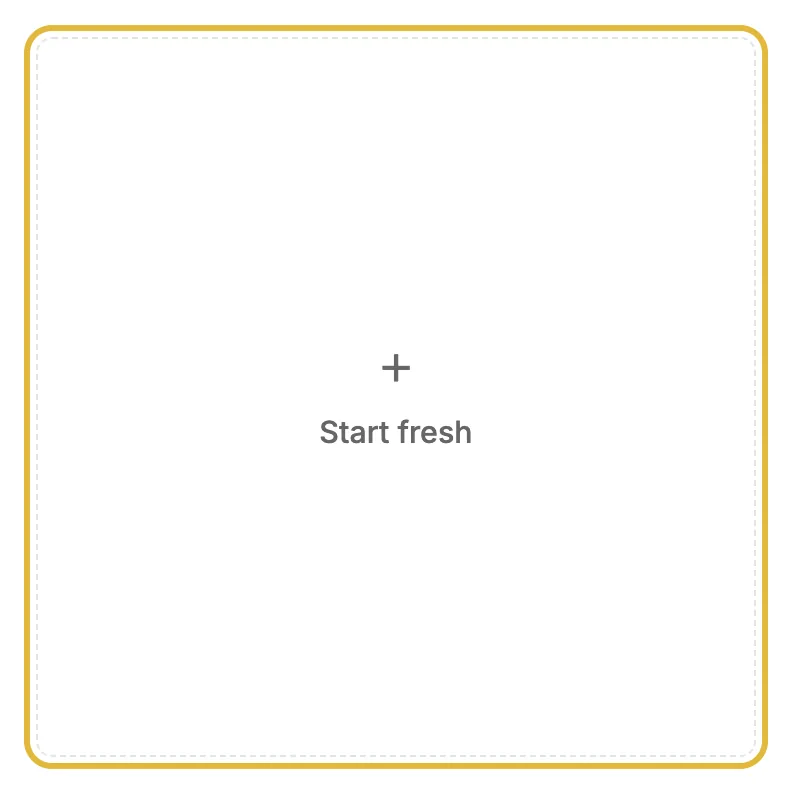
On your dashboard, click Start fresh. If you don't have a site yet, the button says Start setup, and new accounts go straight to the setup.
-
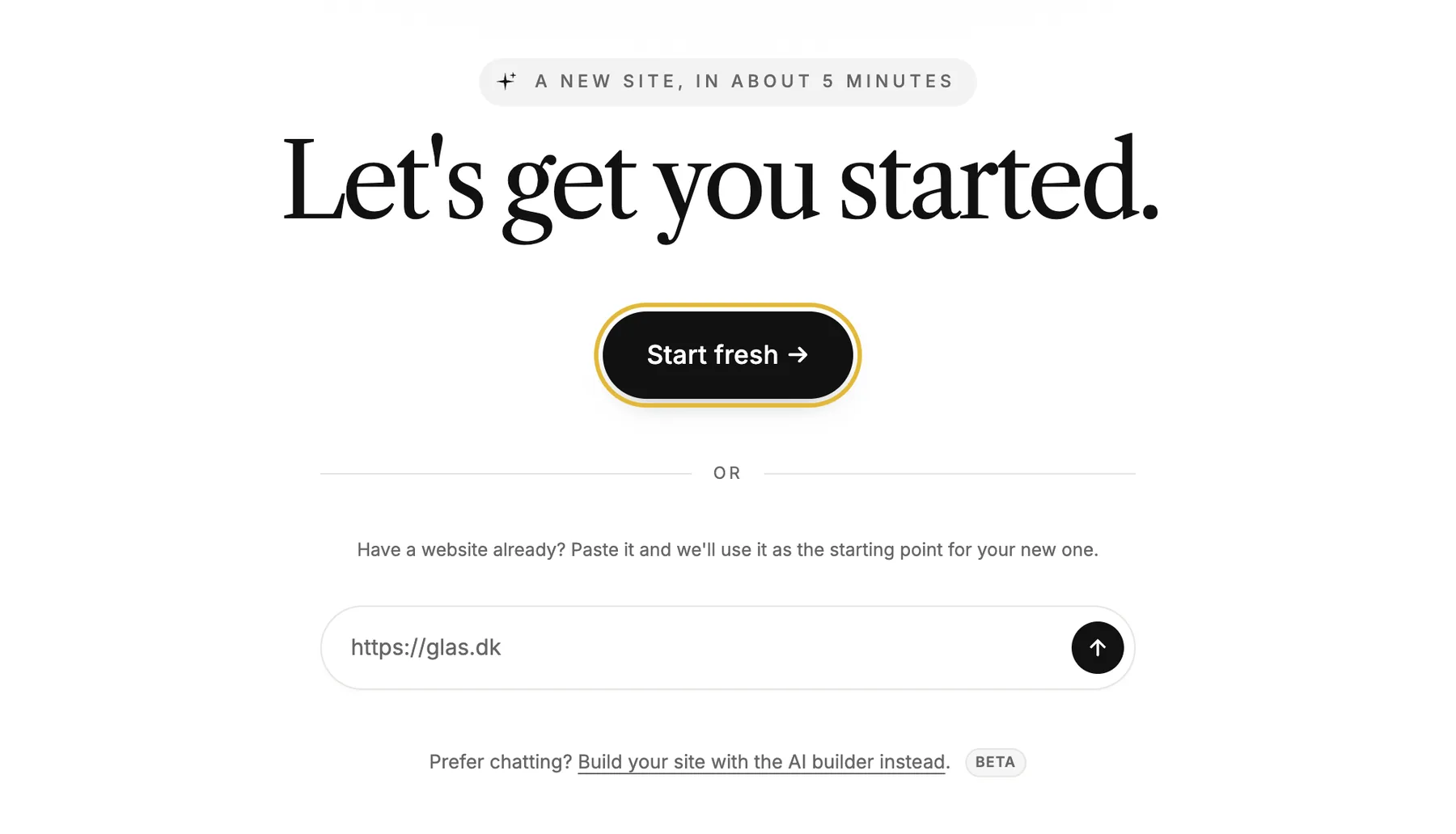
Click Start fresh →. Already have a website? Paste its address instead, and the setup uses it as the starting point for your new one.
Answer a few questions
-
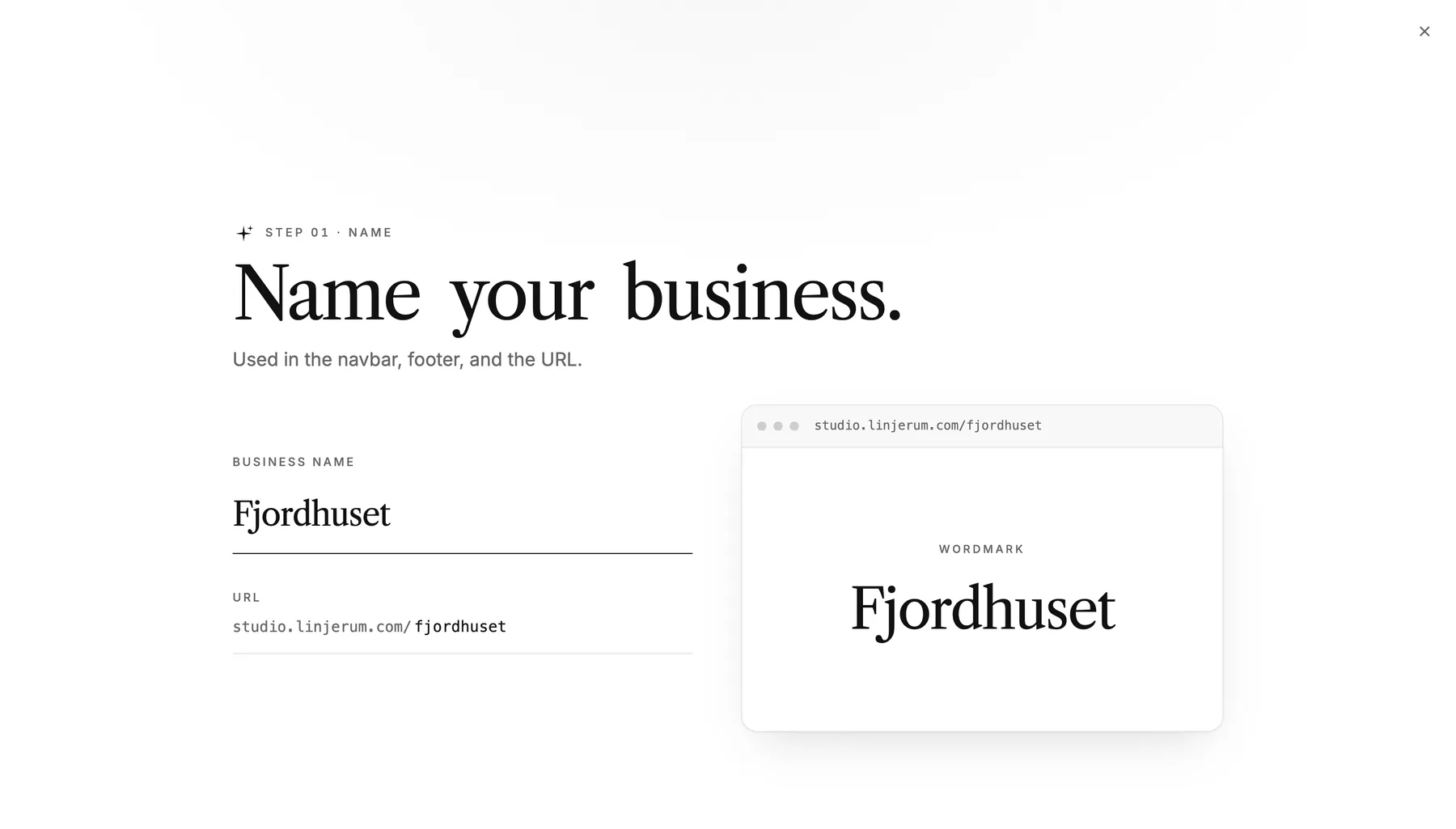
Type the name of your business. It becomes your site's name and the first part of its address, and you can change both later.
-
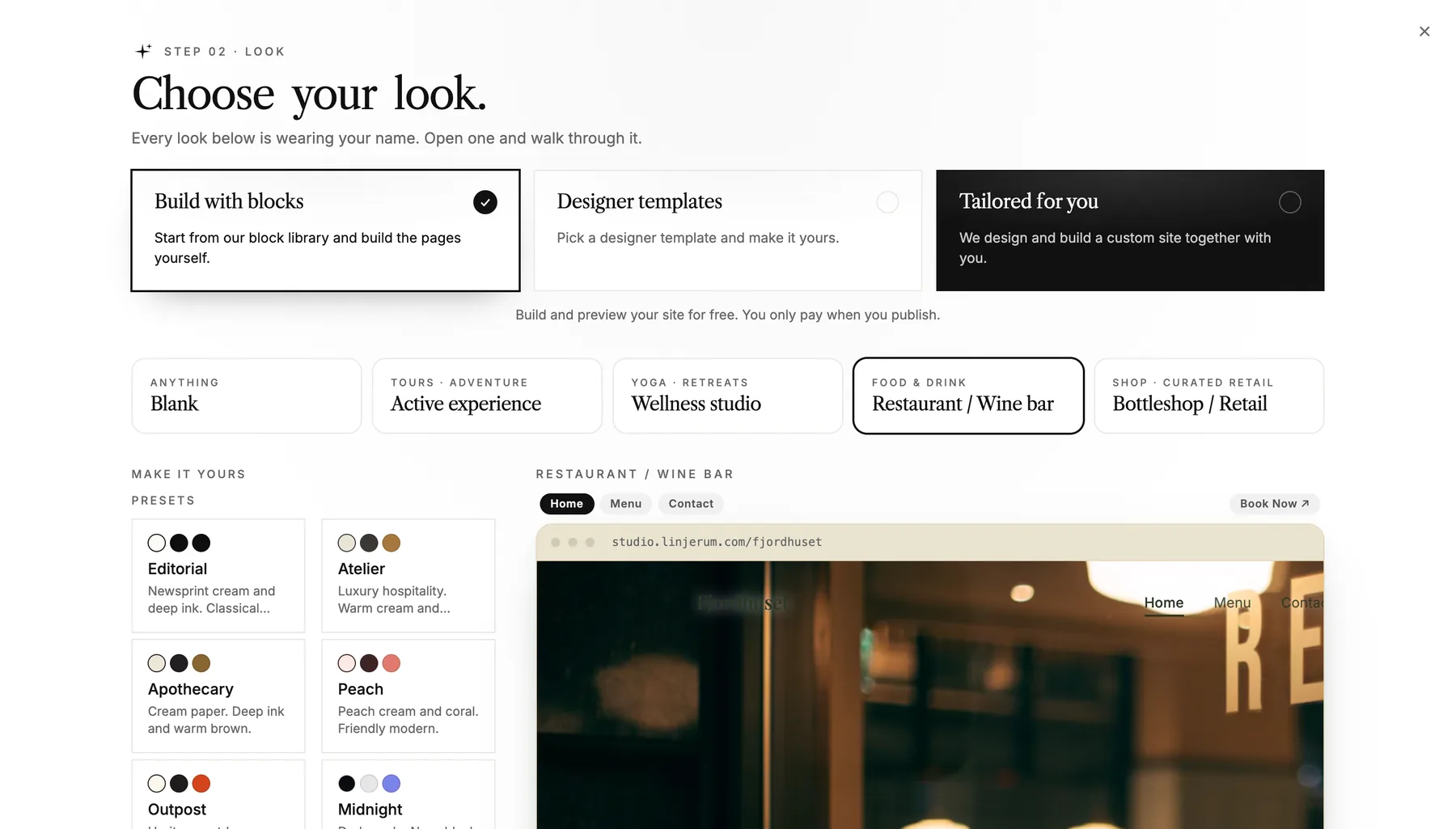
Choose your look. Build with blocks gives you a starting point and the whole block library. Designer templates are finished designs where you fill in your own text and images. Tailored for you means we design and build a site together with you. The preview shows each look with your name on it.
-
Tell a little about your business. This step is optional: with a few lines, AI writes the first text for your pages, and you can rewrite all of it later.
-
Add images and your contact details, take a last look, and click Create site.
When your site is built, you land on its dashboard or straight in the editor, ready to edit. From here, add and arrange pages and edit text and images.
Other ways to start
- Use this template on a template's page starts the setup with that template already chosen.
- Prefer chatting? Build your site with the AI builder instead on the setup's first screen builds a site from a conversation. It's in beta.
- With Claude or ChatGPT connected, your AI can build out a site you've created. See Build a website with AI.