Short answer: a good restaurant website answers four questions within seconds, on a phone: when are you open, what's on the menu, where are you, and how do I get a table. Put opening hours and the menu as real text on the page, not in a PDF, show the address with a map, and give guests one clear way to ask for a table.
Picture it. It's Friday, quarter past five. Someone is standing on a pavement with a phone in one hand and a partner in the other, deciding where to eat. They find you on Google, tap through, and give your site about as long as it takes to read this paragraph. If the opening hours are hiding in the footer and the menu is a 4 MB PDF, they go back and tap the next place.
That's the whole brief. A restaurant website isn't a brochure. Its one job is to turn someone who is already hungry into a guest at one of your tables tonight.
What guests look for, in order
Watch anyone use a restaurant website and the order is almost always the same:
Are you open now?
Where it belongsNear the top of the front page.
What usually goes wrongHours only in the footer, or summer hours still showing in November.
What can I eat, and what does it cost?
Where it belongsIts own menu page, as text.
What usually goes wrongA PDF, or a photo of the printed menu.
Where are you?
Where it belongsThe front page and a contact page, with a map.
What usually goes wrongAn address you can't tap.
Can I get a table?
Where it belongsA button or form everyone can see.
What usually goes wrong"Call us", with a number nobody answers during service.
Everything else, the story of how you started, the chef's background, the wine list, is a bonus for the guests who already like you. Get the four basics right first.
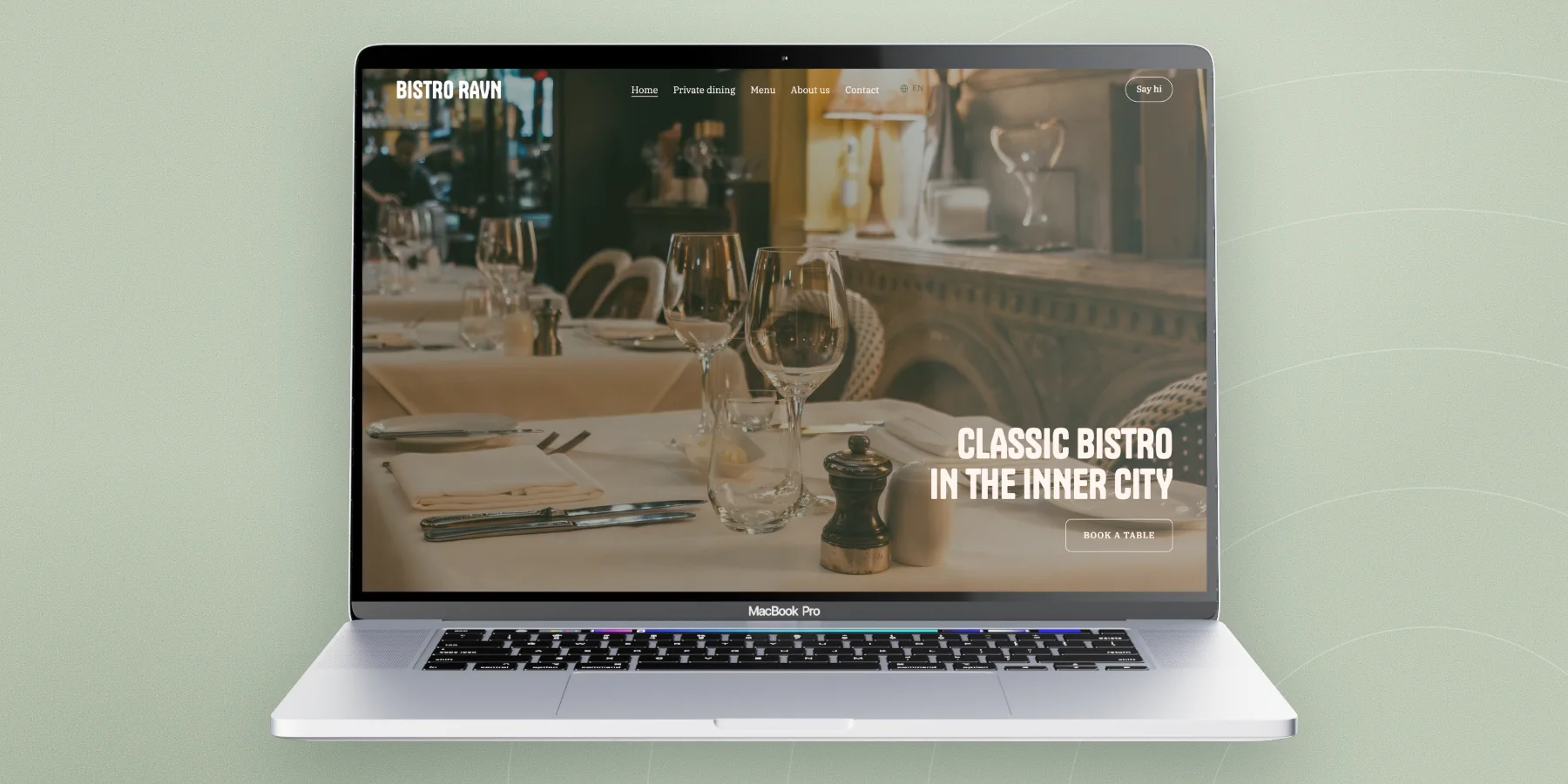
1. Make the opening hours impossible to miss
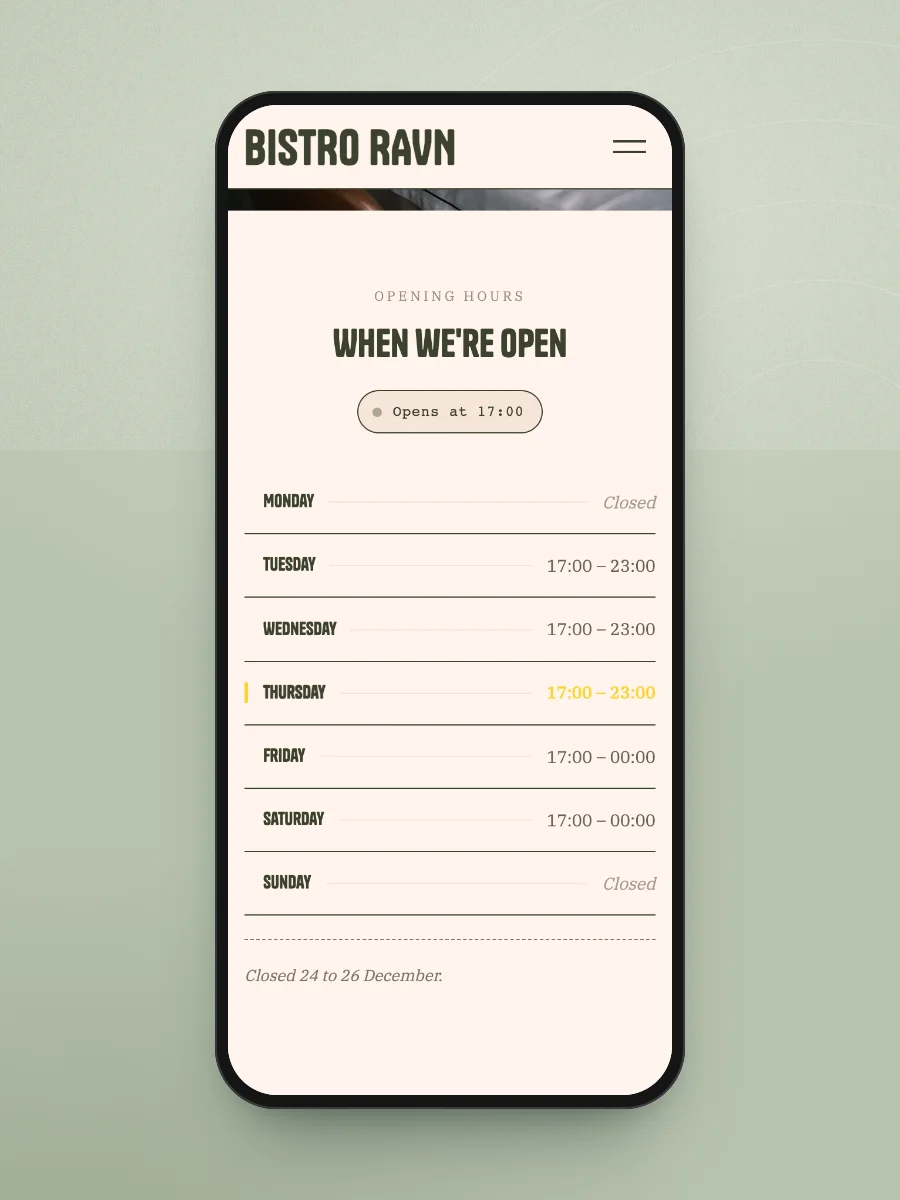
Opening hours are the most-checked thing on any restaurant site, and the most often wrong. Put them on the front page, one line per day, with closed days written out as "Closed" rather than left blank.
The hard part isn't setting them up. It's keeping them true. Holidays, a closed Monday in January, a private event on Saturday: if the website says open and the door is locked, that guest won't trust your site again. Choose a set-up where changing the hours takes a minute, and add a short note line for exceptions ("Closed 24 to 26 December").
In LINJERUM Studio, the Opening hours block is a seven-day table: fill in an open and close time per day, leave a day empty and it shows as Closed, and use the note under it for holidays.
2. Put the menu on the page, not in a PDF
This is the one we'd argue about with every restaurant owner, so here's the case.
A PDF menu has to download before anyone can read it. On a phone it opens at a size where you pinch and scroll sideways to find the prices. Google can read it, but badly. And when you change a dish, someone has to redo the file, export it again and upload it, so in practice the PDF is three months out of date.
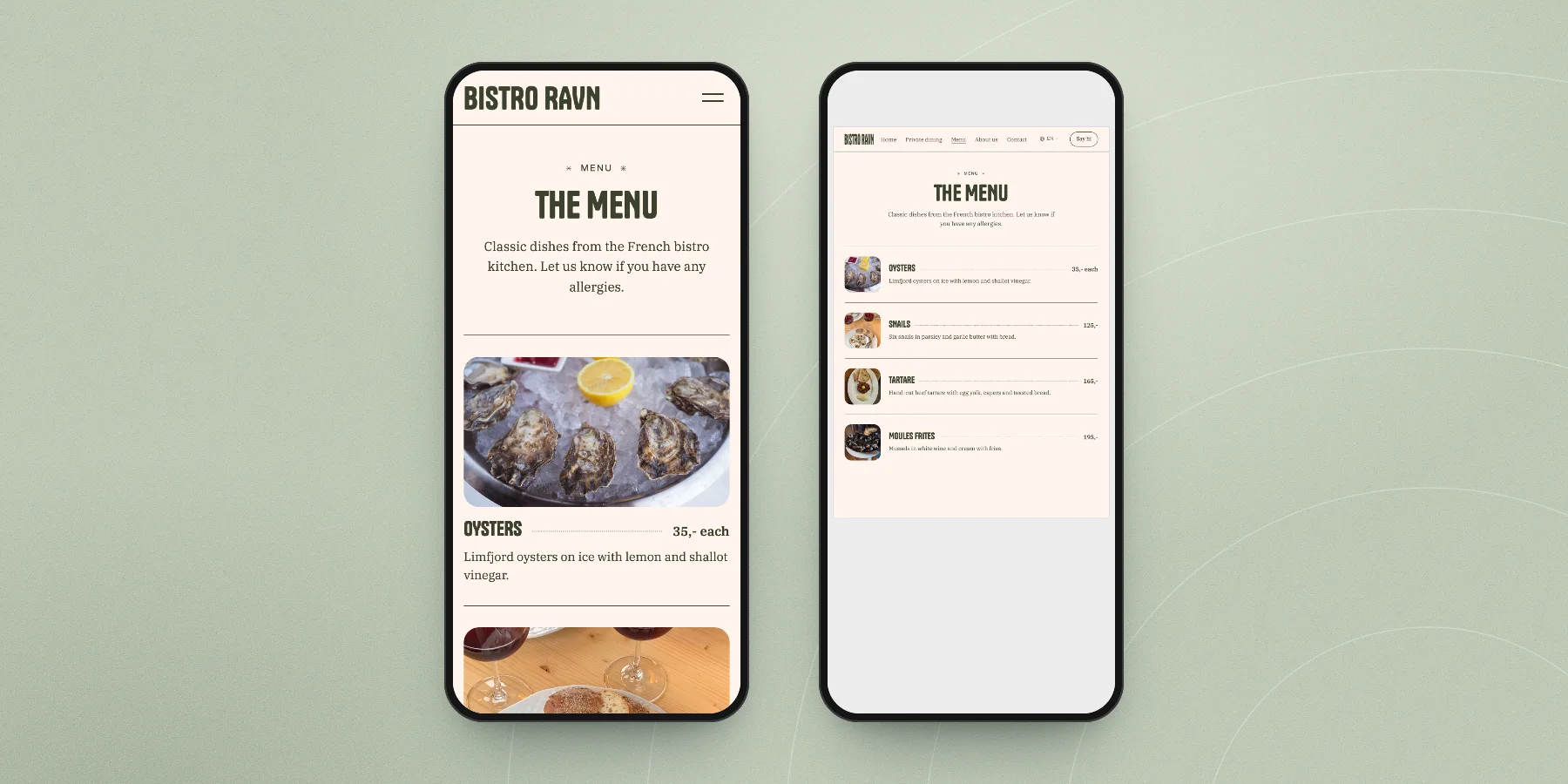
A menu typed into the page loads with everything else, reads at the right size on any phone, can be translated with one click by the visitor's browser, and takes ten seconds to change. Write each dish the way a waiter would describe it in one line, put the price next to it, and mark vegetarian, vegan and gluten-free dishes in words.
Show the prices. Hiding them doesn't make you look exclusive, it makes people assume you're more expensive than you are. Fine dining with a set menu is the one exception: show the price of the menu instead.
You don't need the whole menu either. A café with a short, seasonal menu can show what's on now and update it when it changes. A shorter menu that's correct beats a long one that isn't.
3. Show where you are, and how to get there
Write the address as text, link it to a map, and add a map on the contact page. Then add the one line people actually need: the nearest station or bus stop, whether there's parking, and whether the entrance is around the corner from where the map pin drops.
Make your phone number a link too. On a phone, a tap should start the call.
4. Give guests one clear way to ask for a table
There are two honest ways to take tables online, and it's worth knowing the difference before you pick.
A booking system checks availability, holds the table and confirms automatically. If you run a busy place with many covers every night, that's what you want, and your website should link straight to it from a button at the top.
A table request is a short form: name, email, date, time, number of guests, and maybe "indoors or terrace". The request lands with you, and you reply to confirm. For a café, a small restaurant or a place that takes groups, it's often all you need, and it costs nothing extra.
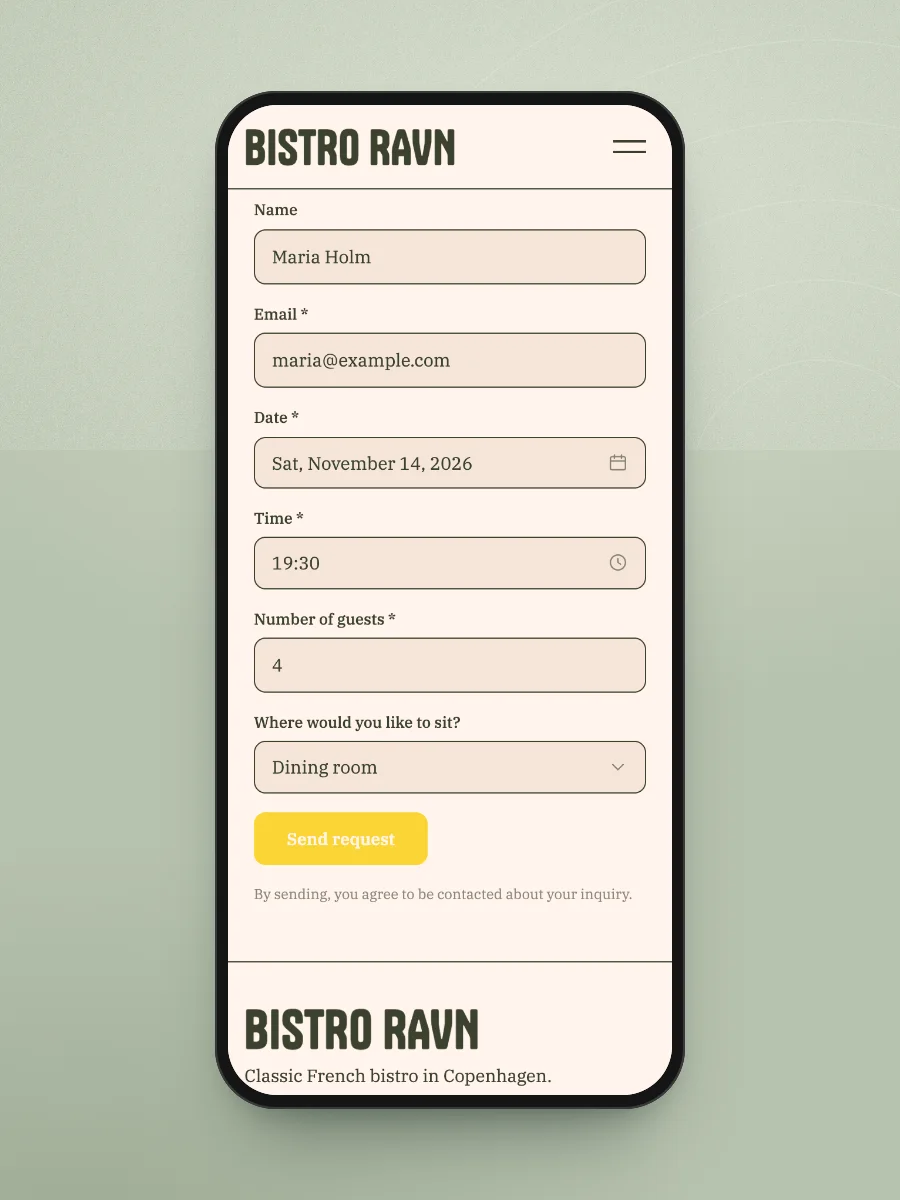
In LINJERUM Studio, the Form block can do exactly that. You add your own fields, like a date with a calendar, a time, the number of guests and a choice between indoors and terrace, and each request arrives by email and in the Forms inbox, with every answer listed. It's a request, not a booking system: it doesn't check availability, so tell guests on the form that you'll confirm by email.
Whichever you pick, don't make "call us" the only option. Most people deciding where to eat tonight will not phone during your busiest hour.
5. Use your own photos, taken in daylight
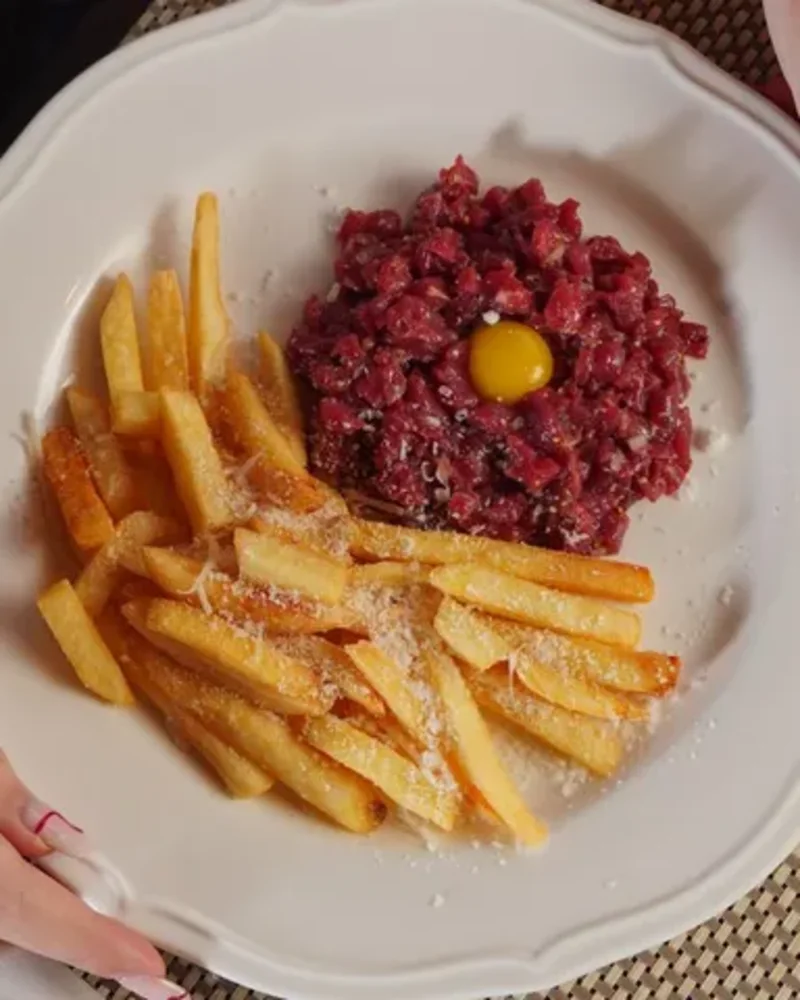
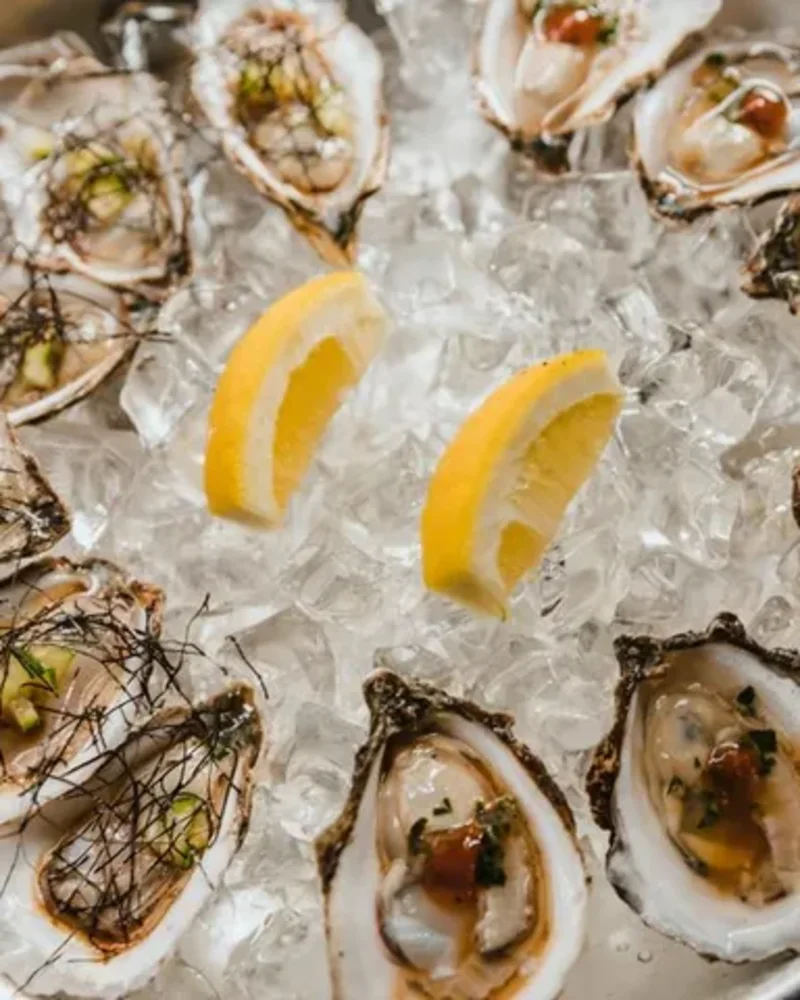
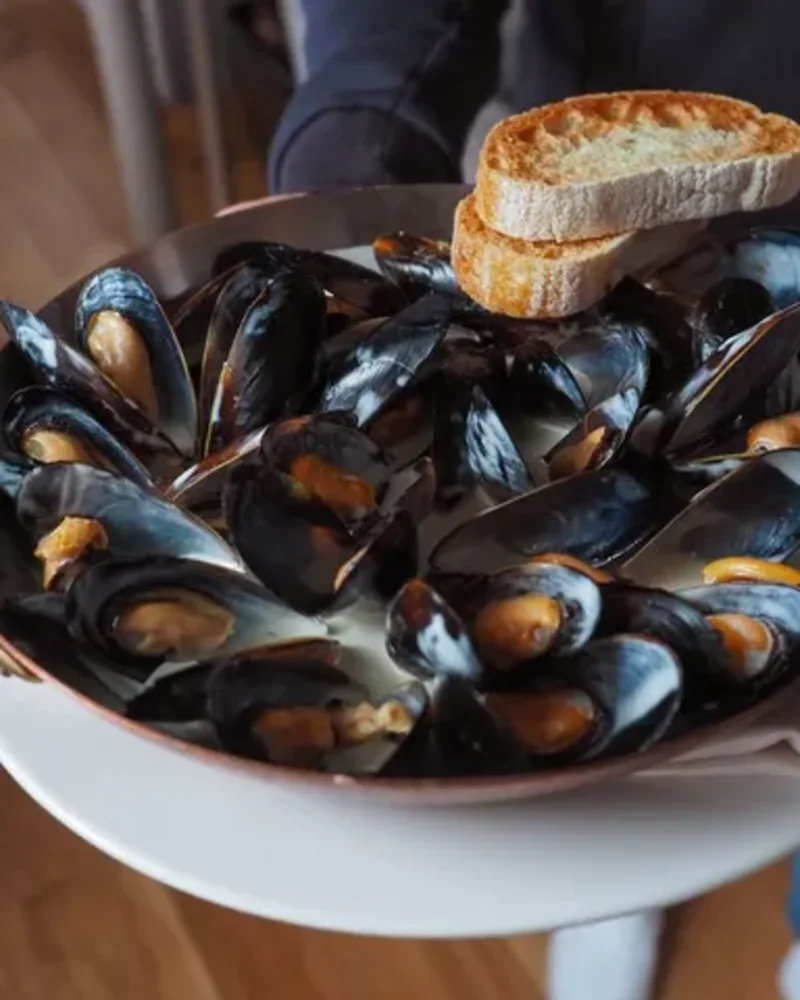
Guests want to see the room they'll sit in and the food they'll get. Your own photos of both do more than any stock image, even if they're taken on a phone.
Shoot by a window in daylight, before service. Take the room empty and also with a few people in it. Photograph the dishes people actually order, not just the prettiest one. Six good photos are plenty. Twenty average ones dilute the good ones.
6. Remember the guests who don't read your language
If you're in a city with tourists, a large share of the people looking at your website don't read the local language. The browser can translate a page, but it can't translate a PDF, and it often mangles dish names.
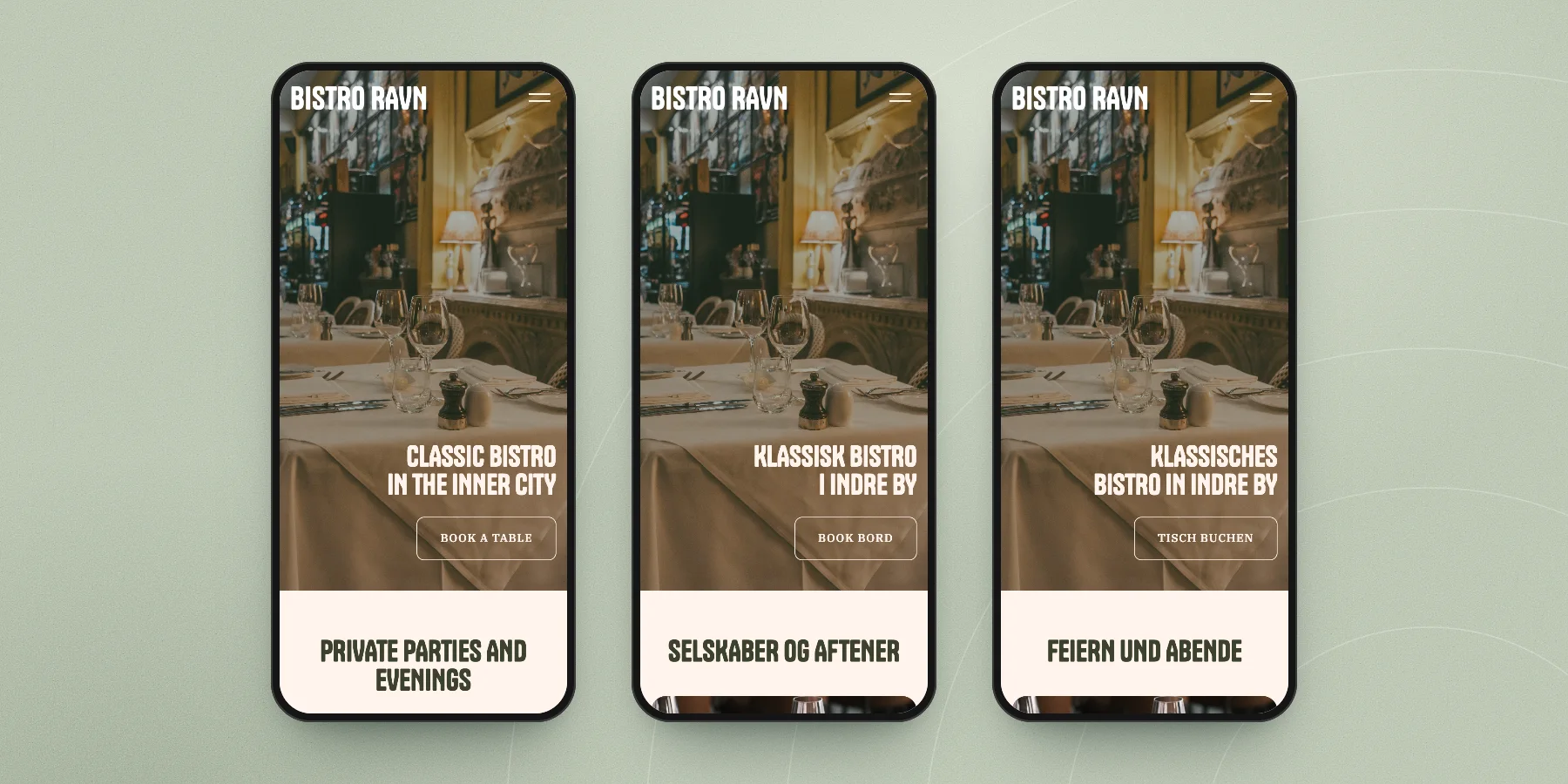
A site in two or three languages solves it, as long as the menu and the opening hours are text. LINJERUM Studio lets you add languages to a site, translates the text automatically, and lets you correct anything by hand, so "smørrebrød" can stay "smørrebrød" in every language.
7. Make Google tell the same story
Most guests meet you on Google before they reach your website. Your Google Business Profile, your website and any listing sites should show the same name, address, phone number and opening hours. When they disagree, guests don't know which one to believe, and neither does Google.
So whenever you change your hours, change them in both places on the same day. It's dull and it matters more than almost anything else in this guide.
How to build it
You can hire an agency, wrestle with a template on a general platform, or use a website builder made for small businesses. For most restaurants and cafés the third is enough: you need four or five pages, not a custom system.
With LINJERUM Studio there are two ways in. You can build the site yourself from blocks: opening hours, map, gallery, the form for table requests, and text sections for the menu. Or you start from one of our designer templates, where a restaurant template already has a menu page with a photo and price per dish. Either way you write your name and a few lines about the place and edit everything directly on the page.
Our step-by-step guide to making a website walks through it with a café as the example, and the website for restaurants page shows a full sample restaurant on the designer template.
If it all feels like a lot next to running a kitchen, write to us. We'll gladly help you get started: tell us about your place, and we'll take it from there together.
What does a restaurant website cost?
Building it in LINJERUM Studio is free. You pay when you publish. Starter is €69 a month for a site built from our blocks, with your own domain, hosting and every block in this guide included. Premium is €199 a month and adds the designer templates and three hours of expert help every month. Extra expert help is €99 an hour. See all plans and prices, or read what a website costs over three years for the full comparison with agencies and freelancers.
Questions restaurant owners ask
Should my restaurant menu be a PDF?
No. A PDF is slow to open on a phone, hard to read without zooming, and tends to go out of date because it's tedious to change. Type the menu into the page instead, with prices, and mark vegetarian, vegan and gluten-free dishes in words.
Do I need a booking system on my restaurant website?
Only if you fill many tables every night and want bookings confirmed automatically. Smaller places often do fine with a table request form: guests send the date, time and number of people, and you reply to confirm. If you already use a booking system, link to it from a clear button.
What pages does a restaurant website need?
Four is enough for most places: a front page with opening hours and a way to ask for a table, a menu page, a contact page with address and map, and a short page about you. Add events or private dining only if you actually offer them.
How often should I update my restaurant website?
Whenever something a guest would act on changes: opening hours, holidays, the menu, prices. Check it before every holiday season. An out-of-date site costs you more guests than no site at all.
Can I make a restaurant website myself?
Yes. With a website builder you don't need to code. Pick a design, add your hours, menu, address and photos, and publish. Expect an afternoon for the first version, and a few minutes for each change after that. And if you'd rather not do it alone, write to us and we'll gladly help you get started.