Short answer: you make a website by choosing a website builder, giving the site a name, picking a design and writing a few lines about what you do. With LINJERUM Studio, the first version takes about five minutes, and you edit the rest directly on the page afterwards. You only pay once the site goes live.
Below, we'll walk through the whole process with a made-up example: Fern & Crumb, a small café and bakery in Bristol. Every screenshot is from the real set-up, exactly as you'll see it yourself.
Before you start
You don't need much. But it goes faster if you have this ready:
- The name of your business, the way customers know it.
- Three or four sentences about what you do and who it's for.
- A few good photos of your work. Ideally your own, taken in decent light.
- The email address and phone number customers should use.
If you don't have the photos yet, start anyway. You can swap them in later.
1. Give your site a name
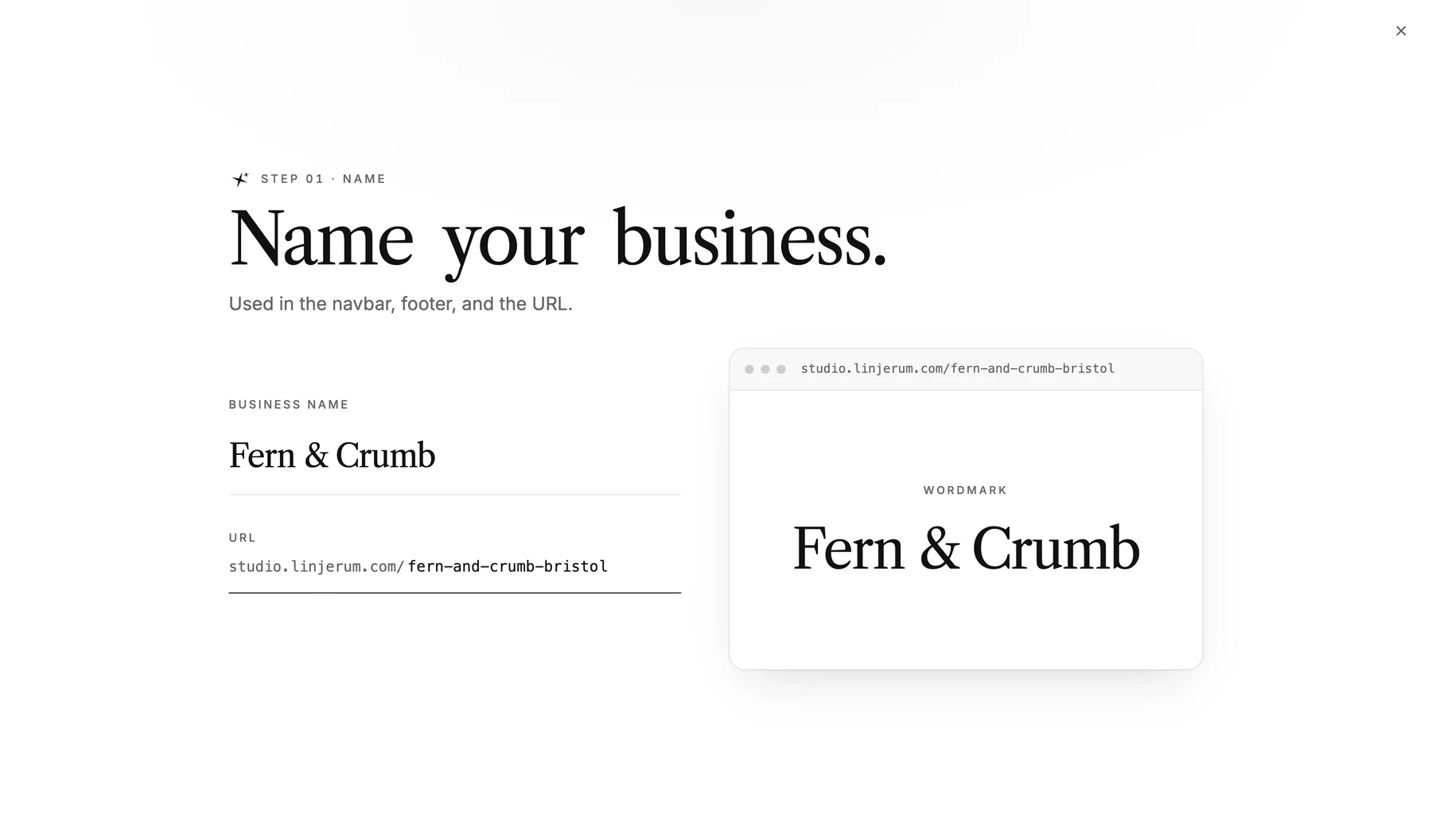
The first step is the name. It appears in the menu, in the footer and in the address. Write it the way customers actually say it, not the way it's registered with Companies House.
2. Choose a design
Now you choose how the site looks. Every template is designed by our team for a particular kind of business, and it already shows your name, so you can see how it looks.
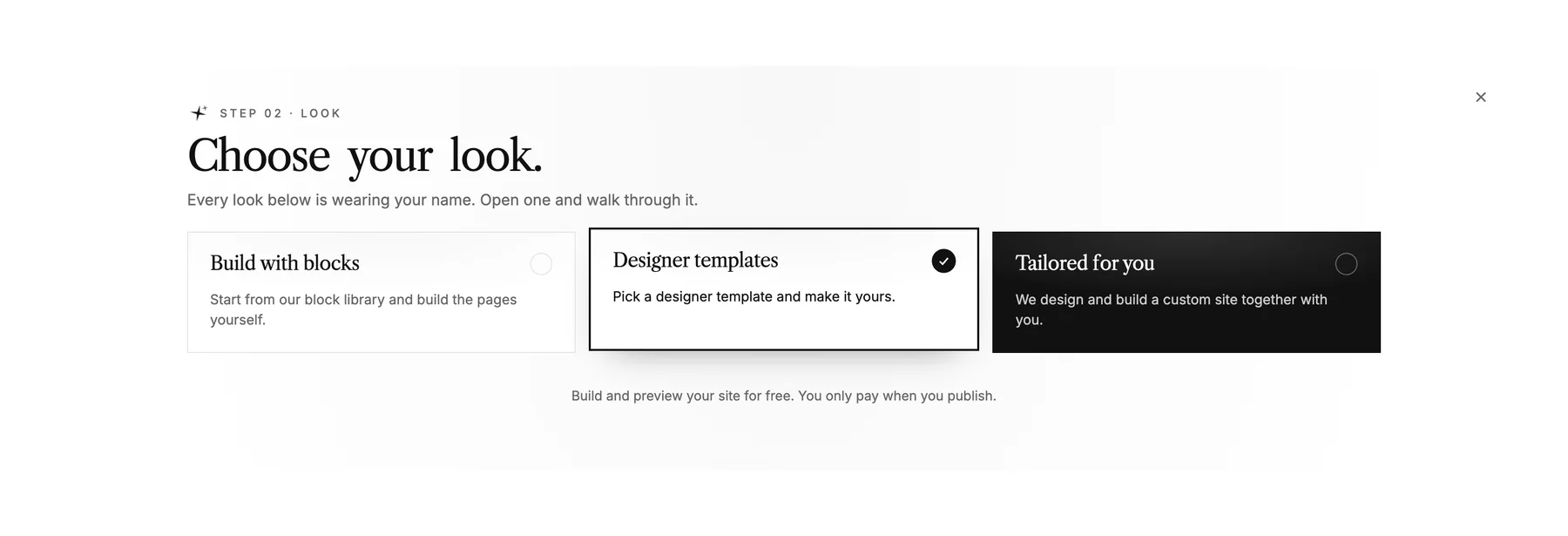
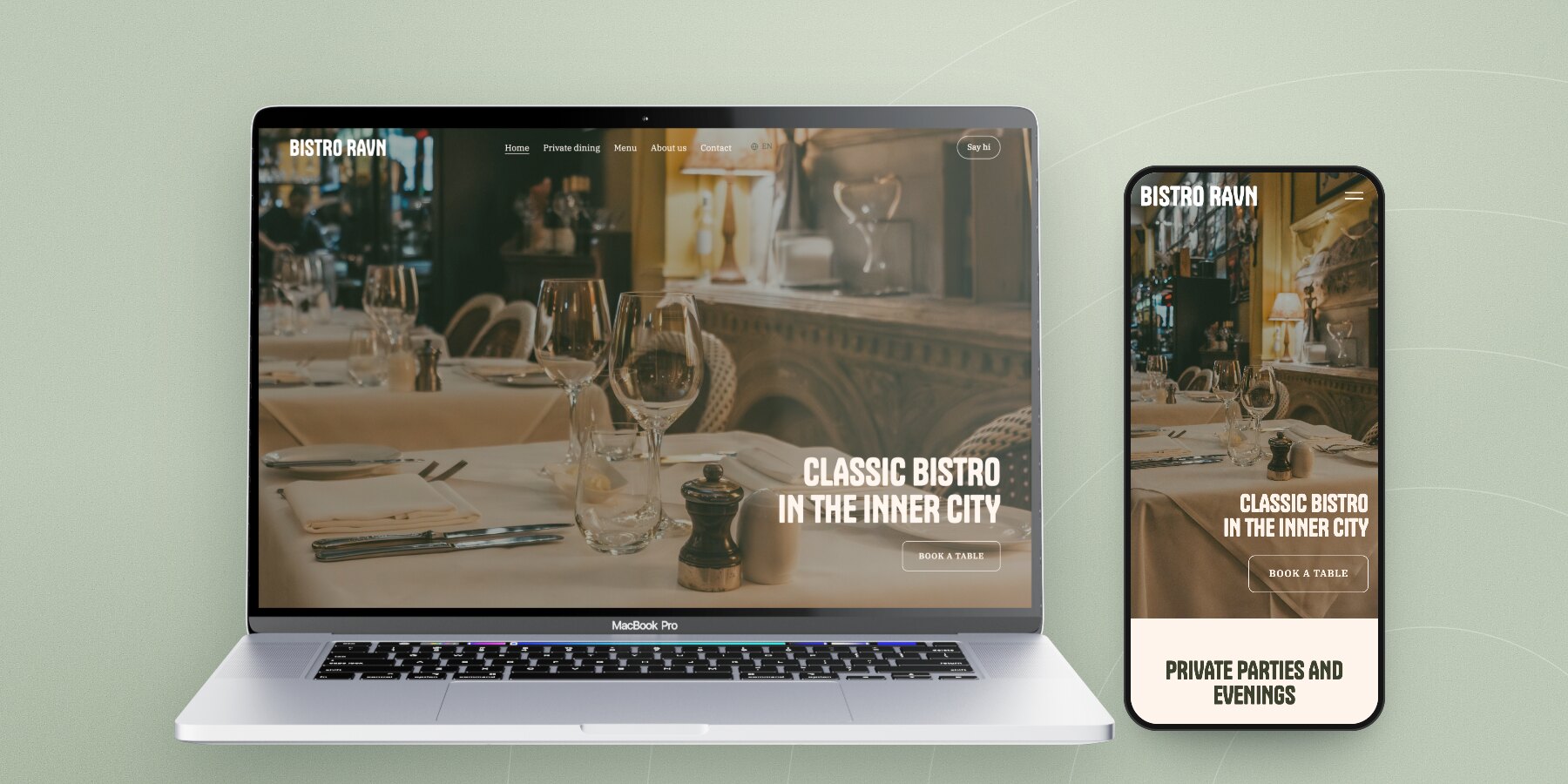
Fern & Crumb picked the Oliven template, made for places with food and drink: warm colours, a menu page and room for big photos of what comes out of the oven. Click a template to see all its pages before you choose.
If you're not sure, pick the one that makes you happy to look at.
3. Tell us what you do
Here you write a few sentences about the business. Write it the way you'd explain it to a customer on the phone. What do you do, where are you based, and who is it for?
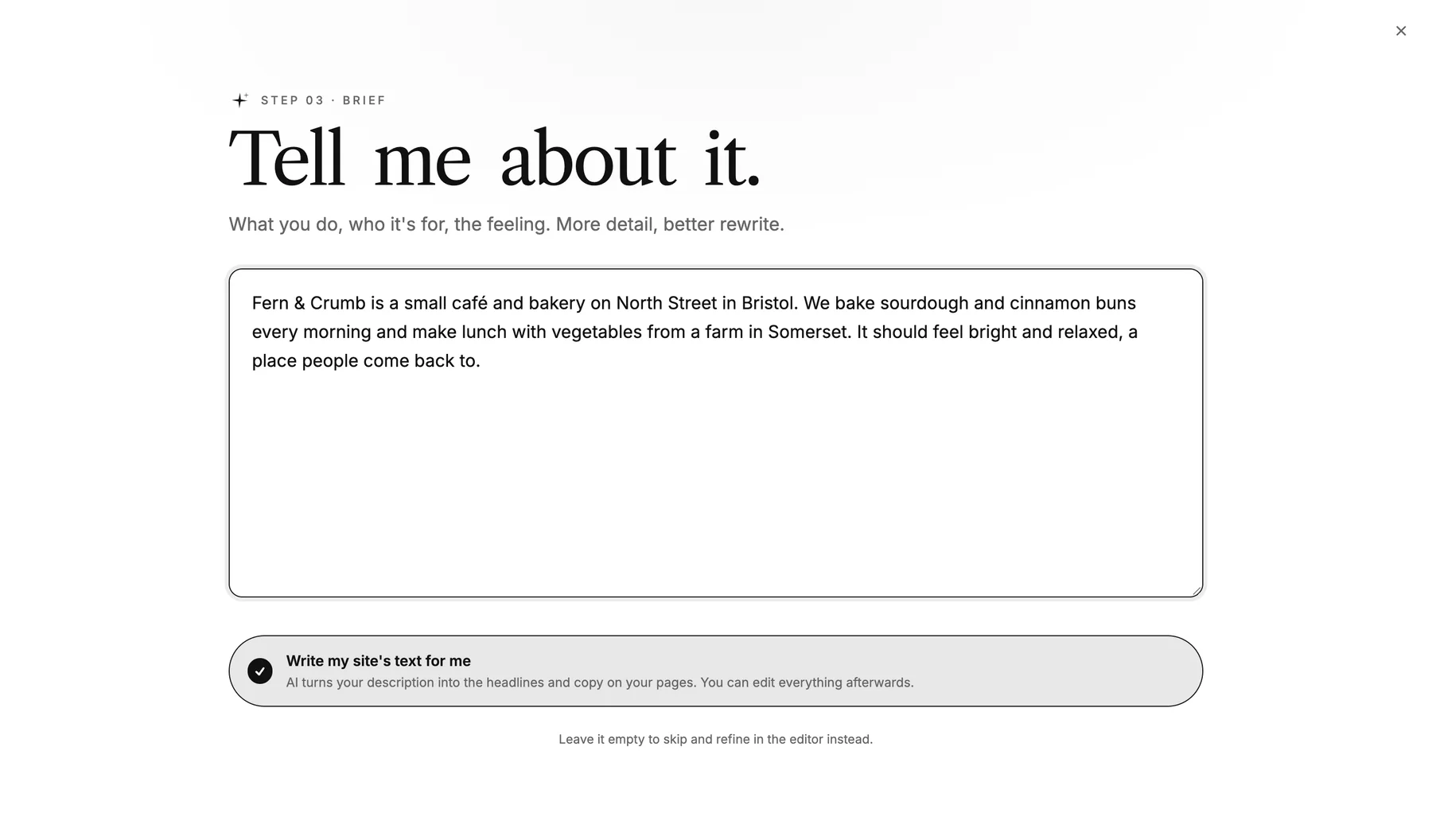
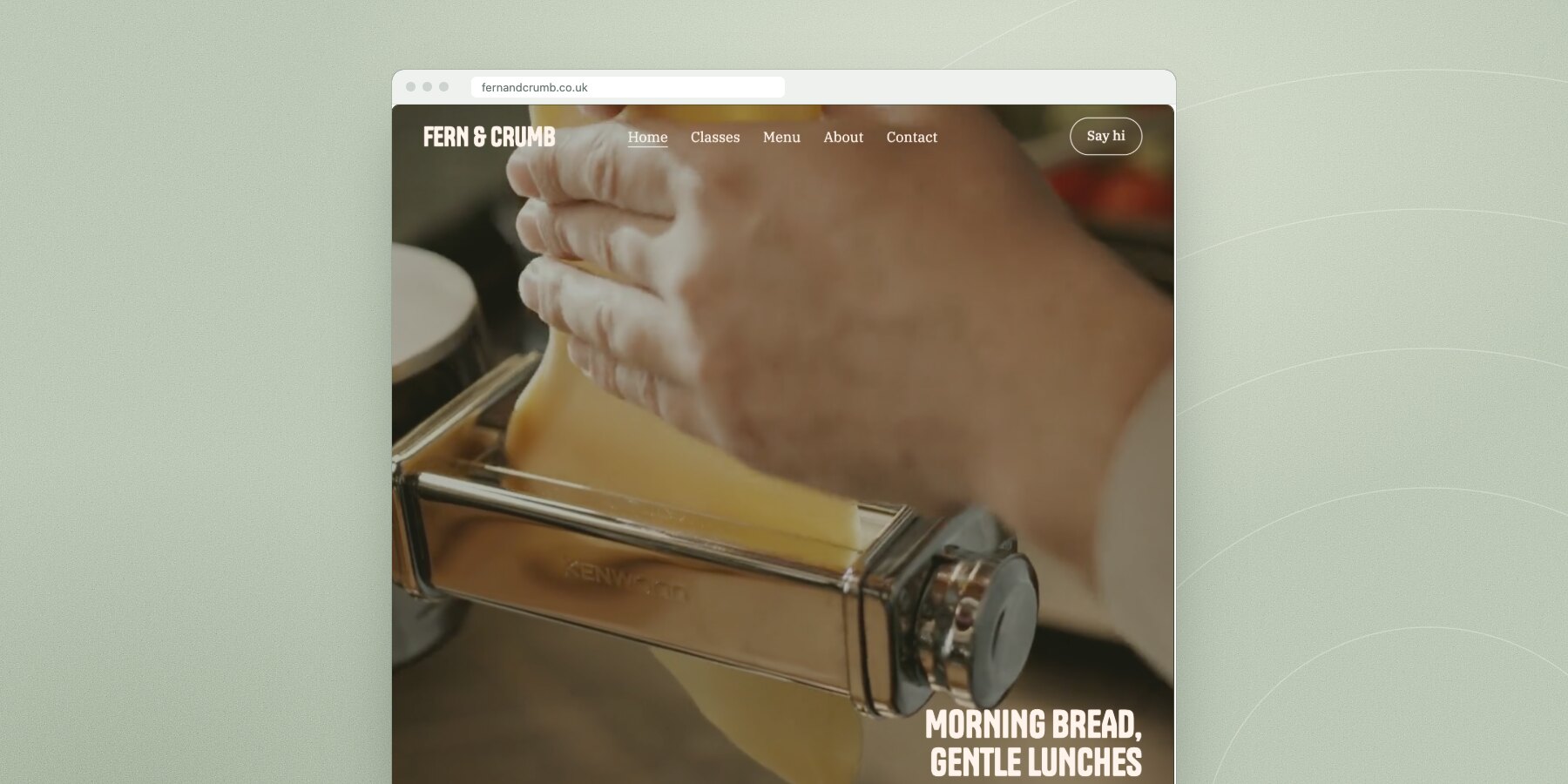
If you leave "Write the text for my site for me" switched on, the AI writes headlines and copy for every page from your description. Fern & Crumb got the headline "Morning Bread, Gentle Lunches" and the button "Visit the café", and it's fairly close to what they'd have written themselves.
Read it all through afterwards. AI writes fast, but it doesn't know your prices or opening hours, and it can invent details that sound plausible. We've written more about this in the article about making a website with AI.
4. Photos and logo
If you have a logo, upload it here. Otherwise the site uses your name as the logo, and that looks fine in most templates. Photos you upload land in your library, ready for whenever you want to add them.
Real photos of your own work do more for the site than anything else. A photo of your own cinnamon buns says more than a stock photo of a bakery.
5. How people get in touch
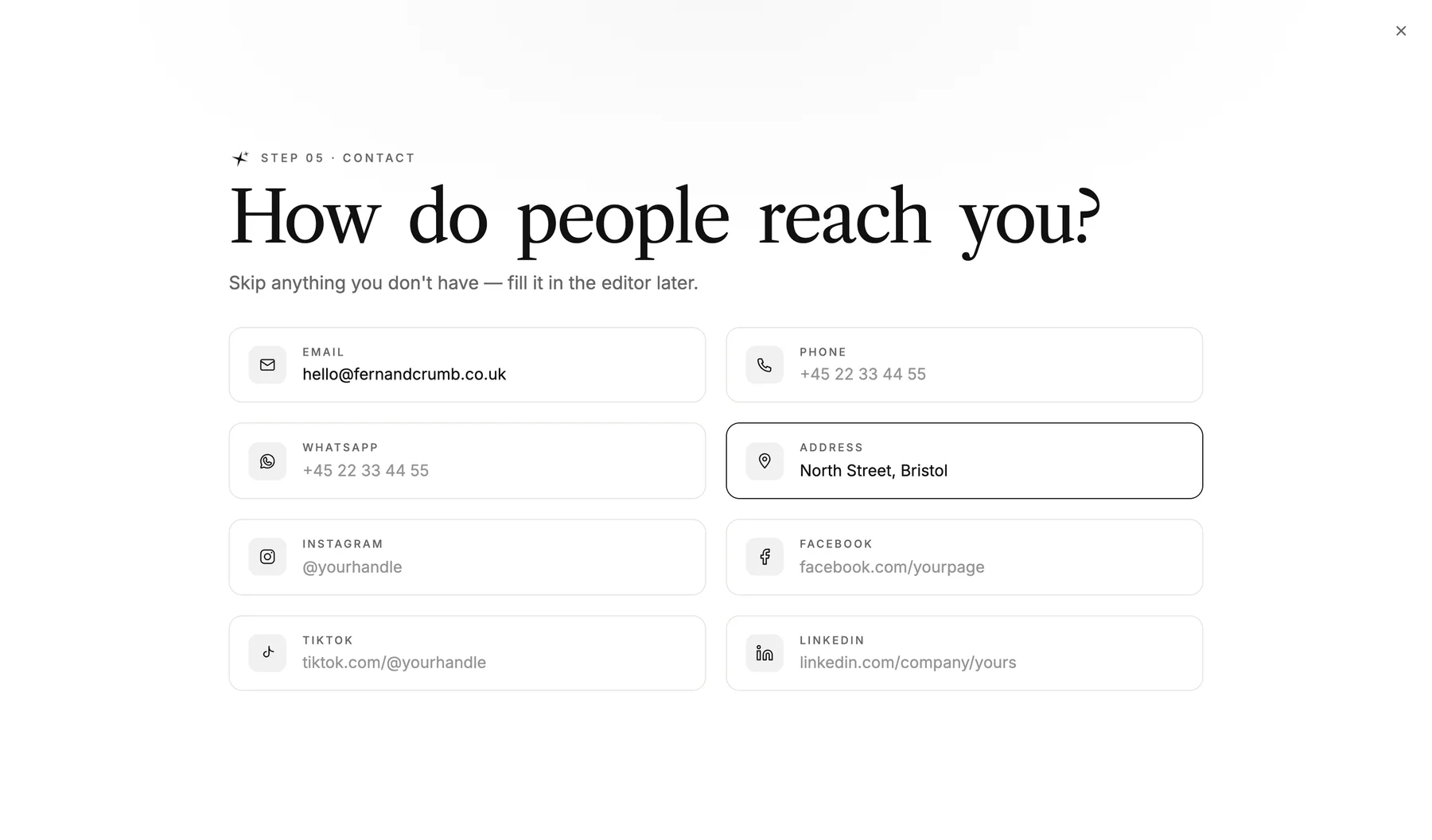
Email, phone, address and social media. Fill in what you have and skip the rest. The details are used in the contact section and in the footer of every page.
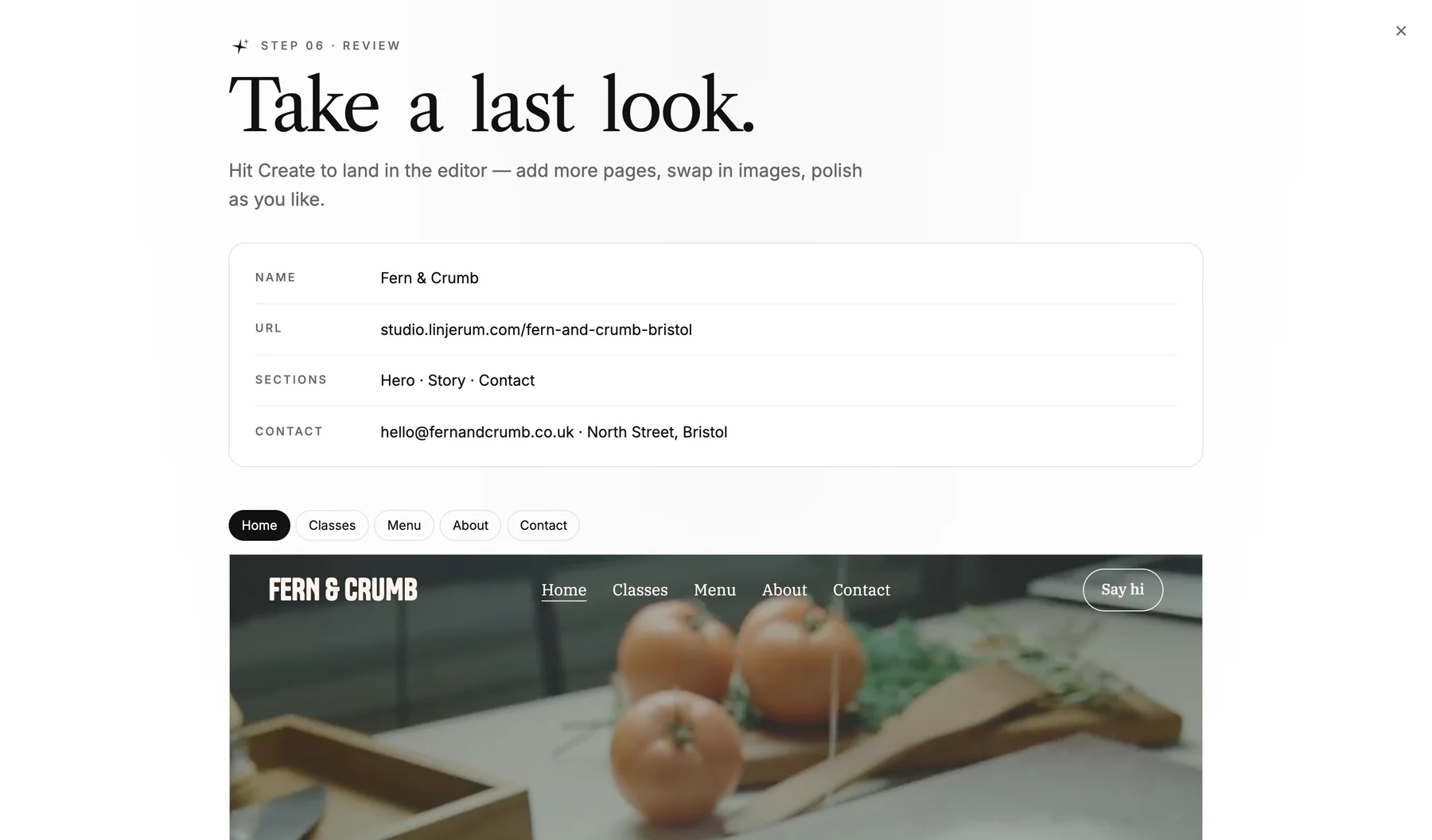
6. Take one last look
At the end, you see everything together: name, address, contact details and a preview of the homepage with the text the AI has written. Click through the pages, and press Create site when it looks right.
Edit everything directly on the page
Now you land in the editor. The text sits on the left, and on the right you see the page exactly as it'll look. Change a headline, swap a photo, and see the update straight away.
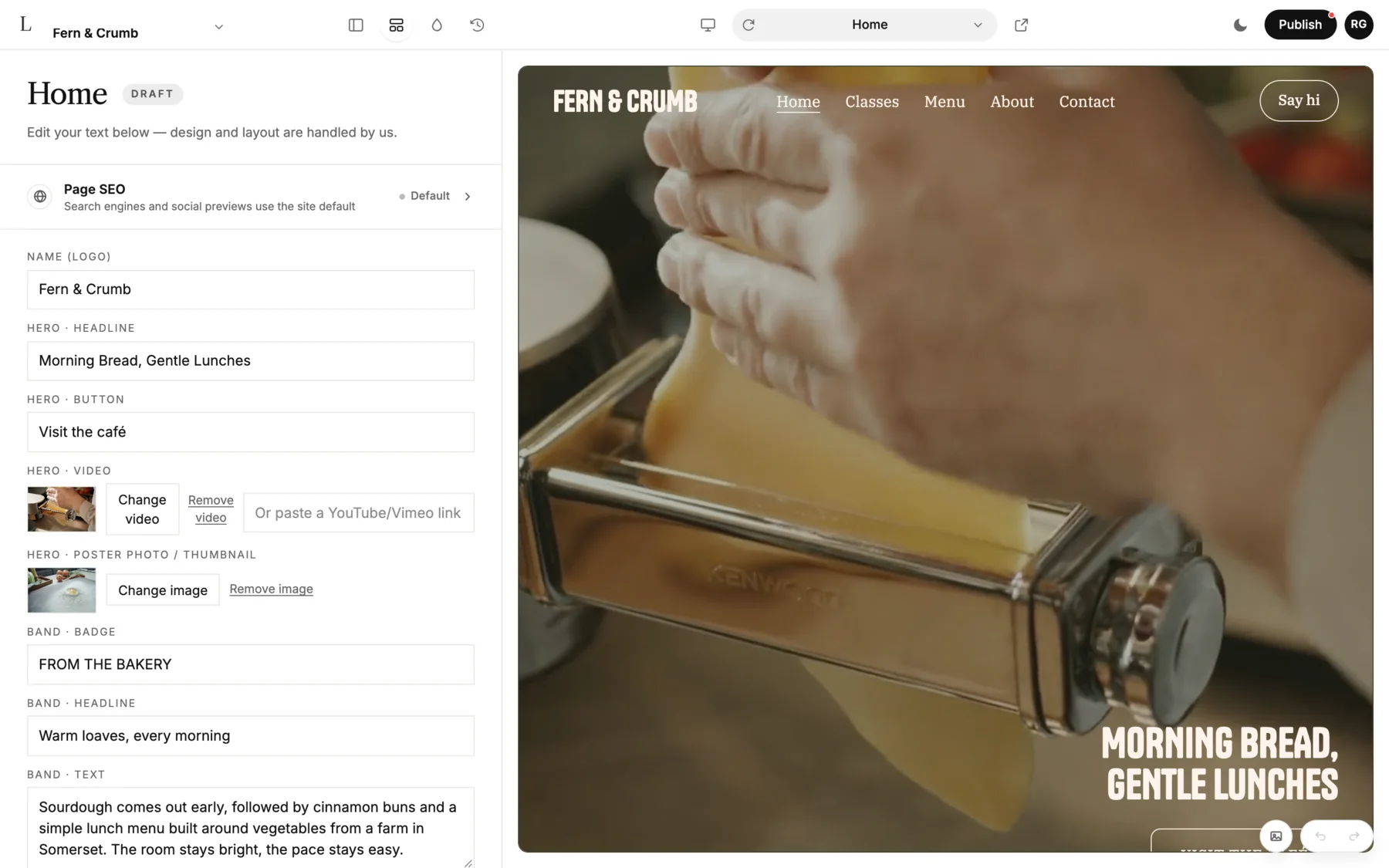
Take as much time as you need. The site stays a draft until you press Publish, and you can keep building on it for as long as you like without paying.
Publish on your own domain
When you're ready, press Publish and choose a plan. Starter covers most small businesses, with your own domain, hosting and backups. If you already have a domain, you just connect it.
If you want to know what it costs over time compared with an agency, we've worked it out in how much does a website cost. Or if you'd rather see the designs first, you can browse the templates.
Frequently asked questions
Can I make a website for free?
You can build the whole site with us for free and see it finished before you pay anything. It only costs money once the site goes live on your own domain.
How long does it take to make a website?
The first version takes about five minutes. What takes time is sourcing real photos and getting the text to sound like you. Set aside an afternoon if you want everything in place.
Do I need to know how to code to make a website?
No. You edit text and photos directly on the page, and we take care of design, hosting and security.
Can I make a website with AI?
Yes. The AI writes the copy from your description during set-up, and if you'd rather build the whole site by chatting, we also have an AI builder. Read more in our article on vibe coding.